
Your WhatsApp agent worked in the demo. Then production happened. Suddenly your automation team is dealing with runtime stability, credentials, environment drift, client isolation, audit requirements, and the steady drip of “can you spin up one more instance?” tickets that turn a promising agent into a DevOps side project.
That’s the trap with AI employee hosting. The hard part usually isn’t prompt logic. It’s everything around it: deployment, monitoring, access control, integration plumbing, and keeping one client’s data from bleeding into another environment. As workplace AI use keeps rising, the burden lands on the teams that have to run these systems reliably. Gallup found frequent AI use climbed to 26% overall in late 2025, while daily use reached 12%, a sign that AI is becoming operational infrastructure, not a novelty tool (Gallup workplace AI usage data).
If you’re weighing platforms now, think less about flashy agent demos and more about what removes operational drag. That includes setup time, tenancy boundaries, policy controls, and whether the platform can grow without forcing a rebuild. If cloud cost pressure is already part of your backlog, this breakdown pairs well with how cores and threads affect cloud spend.
Table of Contents
- 1. Donely
- 2. AWS Agents for Bedrock AgentCore
- 3. Azure AI Agent Service
- 4. Google Cloud Vertex AI Agent Builder
- 5. Zapier Agents
- 6. Relevance AI
- 7. Dify.ai
- AI Employee Hosting, Top 7 Comparison
- Choosing Your AI Hosting Foundation
1. Donely
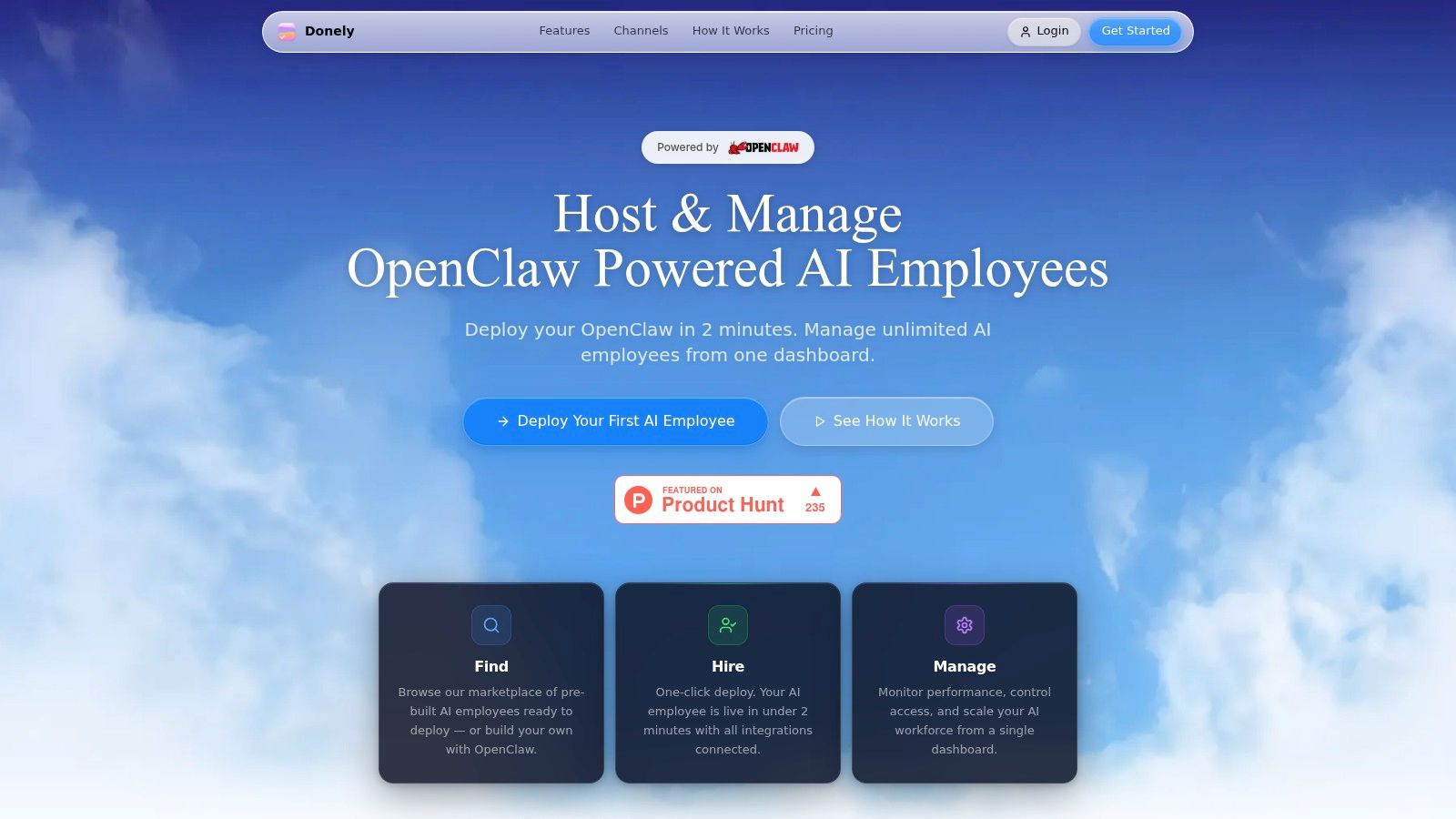
Donely is the most opinionated platform in this list about one specific problem: hosting AI employees in production without turning your automation team into an infrastructure team. It’s built around unlimited OpenClaw-powered agents managed from one dashboard, with separate instances for projects, departments, or clients.
That architecture matters more than flashy builder features. If you run WhatsApp agents for multiple brands or business units, the question isn’t only “can this platform host an agent?” It’s “can it host many agents cleanly, with separate data, separate access, and one place to monitor all of it?” Donely answers that directly.
Why Donely cuts the most DevOps work
The platform’s biggest advantage is true multi-instance management. You can launch separate, isolated environments without juggling separate accounts, ad hoc container setups, or migration projects later. For agencies and internal platform teams, that removes a common source of operational sprawl.
It also ships with practical controls that usually get bolted on later in a DIY stack: per-instance RBAC, scoped data access, isolated containers, unified audit logs, centralized monitoring, and consolidated billing. That’s the set of features developers frequently end up rebuilding badly when they start from raw cloud services.
Practical rule: If your team expects to manage more than one production agent, evaluate the tenancy model first. Everything else gets harder when isolation is an afterthought.
Donely also connects with 850+ tools and channels including WhatsApp, Telegram, Discord, and Slack. That matters because many AI projects fail to save time when integrations are weak or trust is low. One MIT Sloan-linked underserved angle notes that many workers still don’t see benefits from AI because integration and trust gaps remain unresolved (MIT Sloan analysis of hidden AI work).
A useful overview of the platform’s deployment model is Donely’s own guide to AI employee hosting.
Where Donely fits best
Donely is strongest for four groups:
- Agencies managing client agents: Separate instances and unified billing are a better fit than one shared workspace with loose permissions.
- Ops teams avoiding custom hosting: You don’t need to wire up infrastructure management for AI agents from scratch.
- Compliance-focused teams: RBAC, audit logs, and isolated containers are available from the start, though teams that require a completed SOC 2 Type II should confirm current status because SOC 2 is listed as in progress.
- Builders scaling from one agent to many: The pricing ladder starts at a free tier, then Personal at $25 per month per instance, with Team and Enterprise options above that.
The trade-off is straightforward. Per-instance pricing can add up if you create lots of tiny environments before volume discounts become meaningful. But if your alternative is engineer time spent on setup, patchwork monitoring, and permission cleanup, that cost often buys back far more operational focus.
2. AWS Agents for Bedrock AgentCore
AWS Agents for Bedrock, including AgentCore, makes sense when your team already lives in AWS and wants agent hosting to follow the same security and networking model as the rest of your stack. It runs in your AWS account and leans on familiar building blocks like IAM, VPC, Lambda, and API Gateway.
That’s the main reason to choose it. You’re not buying simplicity first. You’re buying alignment with an existing cloud operating model.
Best for teams already inside AWS
AgentCore handles runtime concerns like orchestration, execution, and tool authentication so agents can call systems securely. For DevOps leaders, that can remove a layer of custom glue code that would otherwise sit between the model, your internal APIs, and external tools.
The trade-off is complexity. If your team isn’t already comfortable with AWS policy design, networking, and cost controls, Bedrock won’t feel lightweight. You’ll still need to make good architectural choices around identity, permissions, observability, and model usage.
AWS is usually the right answer when your compliance boundary is already defined in AWS. It’s usually the wrong answer when you’re hoping the platform will hide cloud complexity from a lean automation team.
There’s also a macro reason large enterprises keep choosing cloud-native AI stacks. In major markets, business AI adoption reached 78% by late 2025, and computing and web hosting led sector adoption at 60%, based on Census Bureau data analyzed by Goldman Sachs (Fortune coverage of Goldman Sachs and Census AI adoption data). If your organization already standardizes on AWS, Bedrock fits that enterprise pattern well.
Use AWS Bedrock when governance consistency matters more than no-code speed.
3. Azure AI Agent Service
Azure AI Agent Service is a strong option for Microsoft-heavy environments that want agent hosting tied directly to enterprise identity, security, and workplace data. If your company already runs on Microsoft 365, Entra ID, Defender, and Azure networking, the platform gives you a cleaner governance path than stitching third-party services together.
It’s especially appealing for organizations where approval workflows depend on staying close to the existing Microsoft estate.
Strong governance if Microsoft is your control plane
Azure’s value isn’t just model access. It’s on-behalf-of authentication, enterprise data grounding, observability support, and actions routed through Logic Apps, Functions, or OpenAPI-connected services. That lowers friction for teams that need AI employees to act inside governed business systems rather than sit in a demo chat window.
The trade-off is timing and ecosystem fit. It’s in public preview, and the best experience goes to teams already committed to Azure and Microsoft 365. If you’re outside that orbit, some of the governance upside won’t offset the platform weight.
A broader workforce trend supports this kind of governed rollout. PwC’s 2025 Global AI Jobs Barometer notes that skills in AI-exposed jobs are evolving 66% faster, which increases pressure on organizations to use platforms that standardize operations and controls rather than let every team improvise its own stack (Exploding Topics summary citing PwC and related workplace AI data).
For Microsoft-first teams, Azure AI Agent Service is one of the clearest ways to keep AI employee hosting inside familiar guardrails.
4. Google Cloud Vertex AI Agent Builder
Google Cloud Vertex AI Agent Builder is compelling when retrieval quality, search grounding, and developer tooling matter more than turnkey multi-tenant operations. It gives teams both no-code and code-based paths, including the Agent Development Kit, plus grounding through Google Search and Vertex AI Search.
That combination works well for teams building agents that need strong answers from enterprise content, not just workflow execution.
Fast grounding and developer-friendly deployment
For DevOps automation teams, Vertex AI Agent Builder reduces some heavy lifting by bundling deployment workflows, built-in tools, and security through Google Cloud IAM. The developer experience is better than many teams expect, especially if they want to move between visual design and code without changing platforms.
Where teams get into trouble is permissions and cost sprawl. Search, storage, models, and tools can each introduce their own billing and access layers. If nobody owns the operational model, “managed” can still turn into a pile of service dependencies.
- Best use case: Internal knowledge assistants, support copilots, and grounded research agents that depend on strong retrieval quality.
- Watch carefully: IAM scoping, search index management, and cross-service billing visibility.
- Less ideal for: Teams that need turnkey client-by-client isolation from day one.
If your team is still deciding between visual builders and more code-centric workflows, Donely’s guide to a no-code AI agent builder is a useful contrast to the cloud-native route.
Google’s platform itself is here: Vertex AI Agent Builder.
5. Zapier Agents
Zapier Agents is the fastest way in this list to get from idea to working business automation, especially for teams that already use Zaps, Tables, and Interfaces. It doesn’t pretend to be a full infrastructure control plane. Its appeal is speed.
That makes it attractive for operations teams that care less about custom runtime architecture and more about shipping a working AI employee into an existing workflow.
The fastest route for business automation teams
Zapier’s strength is its app ecosystem. If your WhatsApp-adjacent workflow touches CRM updates, ticket routing, internal alerts, spreadsheets, and lightweight approval loops, Zapier can get an agent into that chain quickly.
The trade-off is maturity and control. Agents are still evolving, and usage metering sits inside the broader Zapier plan model, which can make FinOps less predictable if automation grows faster than expected. It’s a strong choice for fast rollout, less so for teams that need strict tenancy, advanced governance, or deeper infrastructure management for AI agents.
There’s a real business case for using AI in these workflow-heavy environments. McKinsey estimates corporate AI use cases could drive $4.4 trillion in productivity, and 34% of employees expect generative AI to handle over 30% of their tasks within a year, according to the Gallup-linked verified data set above. That expectation is exactly why low-friction automation platforms keep gaining attention, even if they don’t solve every enterprise hosting requirement.
Start with Zapier when the process is already mapped and the integrations already exist. Don’t start there if your first problem is security boundaries.
You can evaluate it directly at Zapier Agents.
6. Relevance AI
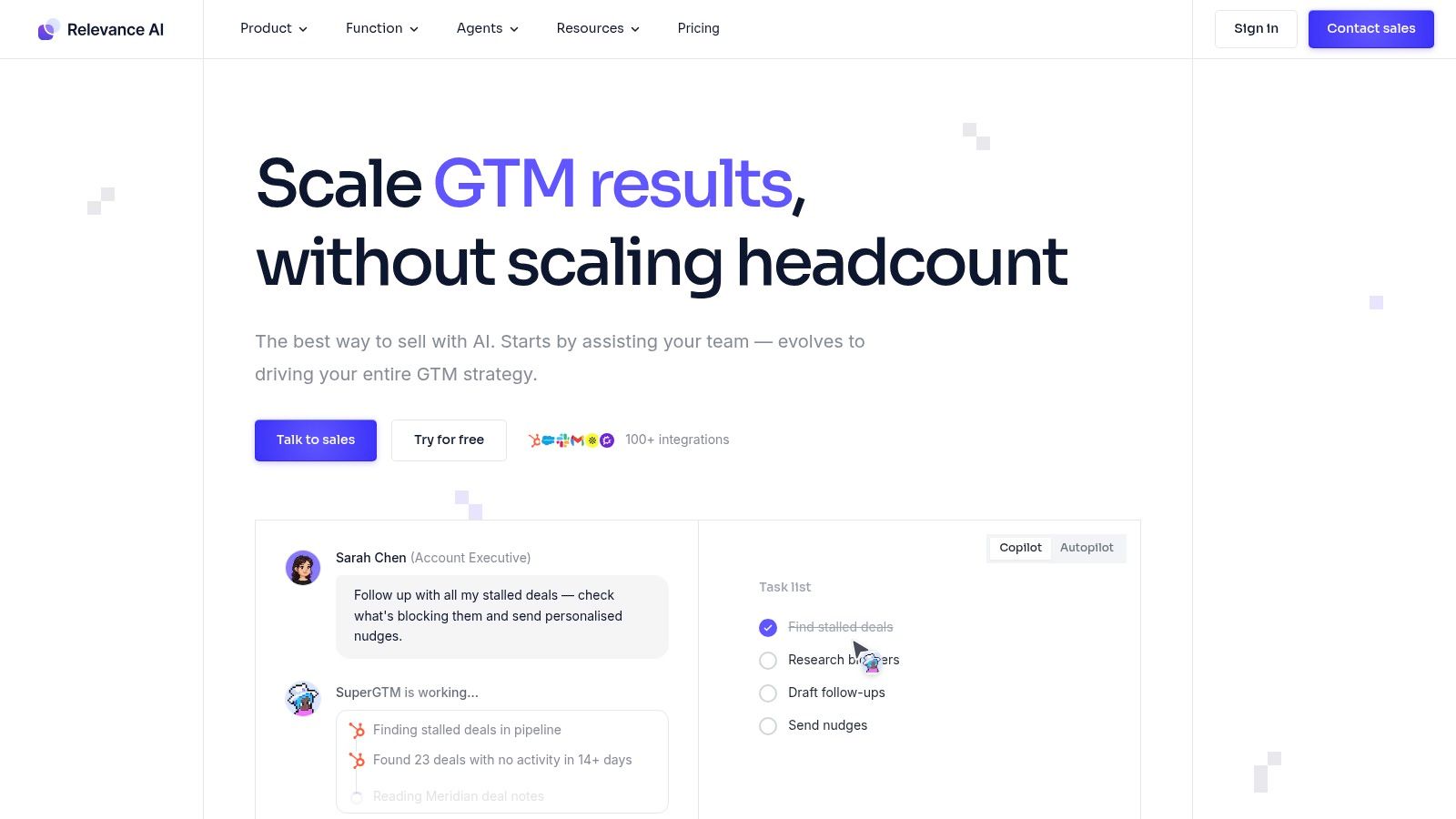
Relevance AI is built around the idea of an AI workforce, not just single agents. That framing matters. The platform is designed for teams orchestrating multiple agents across go-to-market, customer operations, and internal workflows, with governance features that are more explicit than many low-code tools.
If you expect multiple automated roles with human oversight, Relevance AI is one of the more structured options.
Built for teams managing an AI workforce
The platform separates its own action-based pricing from model vendor costs. That can be useful for FinOps because it forces clearer thinking about what you’re paying the platform to do versus what you’re paying model providers to do. In practice, that’s cleaner than stacks where all cost signals blur together.
Governance is also part of the appeal. Roles, auditability, and production-oriented workflow patterns give ops leaders more confidence than a pure builder product aimed at experimentation. For teams comparing category approaches, Donely’s write-up on the AI employee platform is a helpful lens on what these workforce systems need to support in production.
One caution: the platform can feel heavier than a DIY setup if your needs are still simple. It’s best when you’re ready to standardize around a broader operating model, not when you just need one lightweight assistant.
The workforce angle also matches broader market behavior. Worklytics reported that only 33% of firms had scaled beyond pilots, even while workplace adoption rose quickly, which tells you the actual bottleneck is operationalization, not initial interest (Worklytics AI adoption benchmarks). Relevance AI is one of the platforms trying to solve that scale gap directly.
Explore it at Relevance AI.
7. Dify.ai
Dify.ai stands out because it gives teams a meaningful deployment choice. You can start in the managed cloud offering and move to self-hosting later if compliance, cost control, or portability become more important. That flexibility is valuable for engineering teams that don’t want to commit too early to either pure SaaS or pure self-managed infrastructure.
It’s one of the better fits for teams that want visual flow building without giving up API-level control.
Flexible when you want cloud now and self-host later
Dify handles agent flows, tools, retrieval pipelines, and production endpoints well enough to serve as a serious platform, not just a prototype canvas. The open-source angle also reduces lock-in concerns, which matters when AI employee hosting becomes a long-term operational dependency.
The trade-off is that governance depth varies by plan and deployment choice. Teams should verify RBAC, audit logging, and organizational controls carefully instead of assuming they’re equivalent across cloud and self-hosted modes. Self-hosting also gives you more control only if you’re ready to own more of the underlying operations.
The portability benefit is real. The operational benefit depends on whether your team actually wants the pager that comes with self-hosting.
Dify is also a good reminder that not every team wants the same endpoint. Some want a fully managed control plane. Others want an exit path. That distinction matters more as AI adoption becomes routine. Gallup’s verified workplace data also noted 49% of employees were still never-users in late 2025, which means many organizations are still moving from experimentation to standardization. Flexible platforms can help during that transition without forcing a permanent infrastructure decision too early.
You can review the platform at Dify.ai.
AI Employee Hosting, Top 7 Comparison
| Product | Implementation Complexity 🔄 | Resource Requirements ⚡ | Expected Outcomes 📊 | Ideal Use Cases 💡 | Key Advantages ⭐ |
|---|---|---|---|---|---|
| Donely | Low, click-to-deploy, no-DevOps workflows | Moderate, per-instance billing; integrations pre-built | Fast production agents, strict instance isolation, easier compliance | Agencies, founders, compliance-first orgs, multi-client deployments | True multi-instance management, enterprise security features, 850+ integrations |
| AWS Agents for Bedrock (AgentCore) | High, requires AWS expertise and infra setup | High, AWS account, Bedrock model usage, IAM/VPC/Lambda config | Enterprise-scale, deeply integrated agent execution in your account | Large enterprises already on AWS needing control & compliance | Runs in customer account with IAM/VPC, model choice via Bedrock, pay-as-you-go |
| Azure AI Agent Service | Medium, integrates with MS stack; preview-stage features | High, Azure subscription, Entra ID/M365 connectivity, governance setup | Governed multi-agent apps with identity and telemetry | Enterprises using Microsoft 365/Azure for secure deployments | Tight Microsoft ecosystem integration and enterprise governance |
| Google Cloud Vertex AI Agent Builder | Low–Medium, no-code + ADK for developers | Moderate, Google Cloud resources, search/RAG and model costs | Strong search-grounded agents, streamlined dev tooling and deployment | Teams needing high-quality search/RAG grounding and developer ADK | Google Search & Vertex grounding, ADK for custom tools and one-command deploys |
| Zapier Agents | Low, point-and-click builder for non-developers | Low, depends on Zapier plan and app connection limits | Rapid automations and agent rollouts for business workflows | Non-technical teams wanting fast integrations and automations | Extremely fast time-to-value and vast app integration catalog |
| Relevance AI | Medium, low-code with multi-agent orchestration | Moderate, platform actions + separate model vendor credits | Scalable, auditable agent fleets with clearer FinOps split | GTM, CS, and ops teams scaling many agents with oversight | Governance-first design, SOC 2 Type II, pricing split for platform vs models |
| Dify.ai (Cloud or self-hosted) | Medium, visual flows; self-hosting increases ops complexity | Flexible, cloud SaaS or self-hosted infra; bring-your-own LLM keys | Portable, customizable agents with developer-friendly APIs | Developer teams wanting OSS flexibility and eventual self-hosting | Open-source + managed options, visual design with API-first deployment |
Choosing Your AI Hosting Foundation
Choosing an AI employee hosting platform isn’t a model decision alone. It’s an operating model decision. The wrong platform leaves your team managing credentials, runtimes, access policies, channel integrations, and tenant boundaries by hand. The right one removes enough infrastructure work that your engineers can focus on behavior, reliability, and business outcomes.
For agencies and consultants, multi-instance architecture should be near the top of the list. Separate client environments, scoped access, and unified billing matter more than broad feature lists. A platform like Donely fits that pattern especially well because it treats isolation as a default operating primitive instead of a workaround.
For startups and SMBs, speed usually matters most. You want a platform that gets a WhatsApp or workflow-based agent into production quickly without handing your smallest team a new DevOps burden. Donely, Zapier Agents, and Dify cloud all make sense here, but they do it in different ways. Donely focuses on production-ready managed hosting, Zapier focuses on app-connected speed, and Dify gives you more architectural flexibility.
For enterprises, cloud alignment and governance usually outweigh ease of first launch. AWS, Azure, and Google Cloud are strongest when your organization already has security, networking, and procurement standards wrapped around those ecosystems. Relevance AI also deserves a close look when the challenge is coordinating multiple AI roles with oversight, not just hosting one agent endpoint.
For developer-led teams, the trade-off is simpler. If you want maximum control, choose a platform that exposes enough of the underlying system to shape it. If you want to reduce DevOps overhead, choose one that intentionally hides the infrastructure management for AI agents and gives you operational controls at the product layer.
The best foundation is the one your team can run repeatedly, securely, and without creating a side platform project. That’s what makes AI employee hosting useful in practice.
If you want the shortest path from a working OpenClaw agent to a production-ready AI workforce, Donely is built for that job. It gives automation teams isolated multi-instance hosting, centralized monitoring, unified billing, built-in integrations, and governance controls without turning deployment into a DevOps backlog.