
AI workflow automation tools are changing how teams get work done. Most platforms promise thousands of integrations, but only a handful let you run many AI agents side‑by‑side. In this guide we’ll break down the best options, compare key features, and show you why Donely is the top pick for agencies and SMBs that need real multi‑instance AI power.
We’ll walk through five tools, a side‑by‑side table, and a deep dive into open‑source options. By the end you’ll know which tool fits your stack, budget, and security needs.
1. AI Workflow Pro (Our Pick)
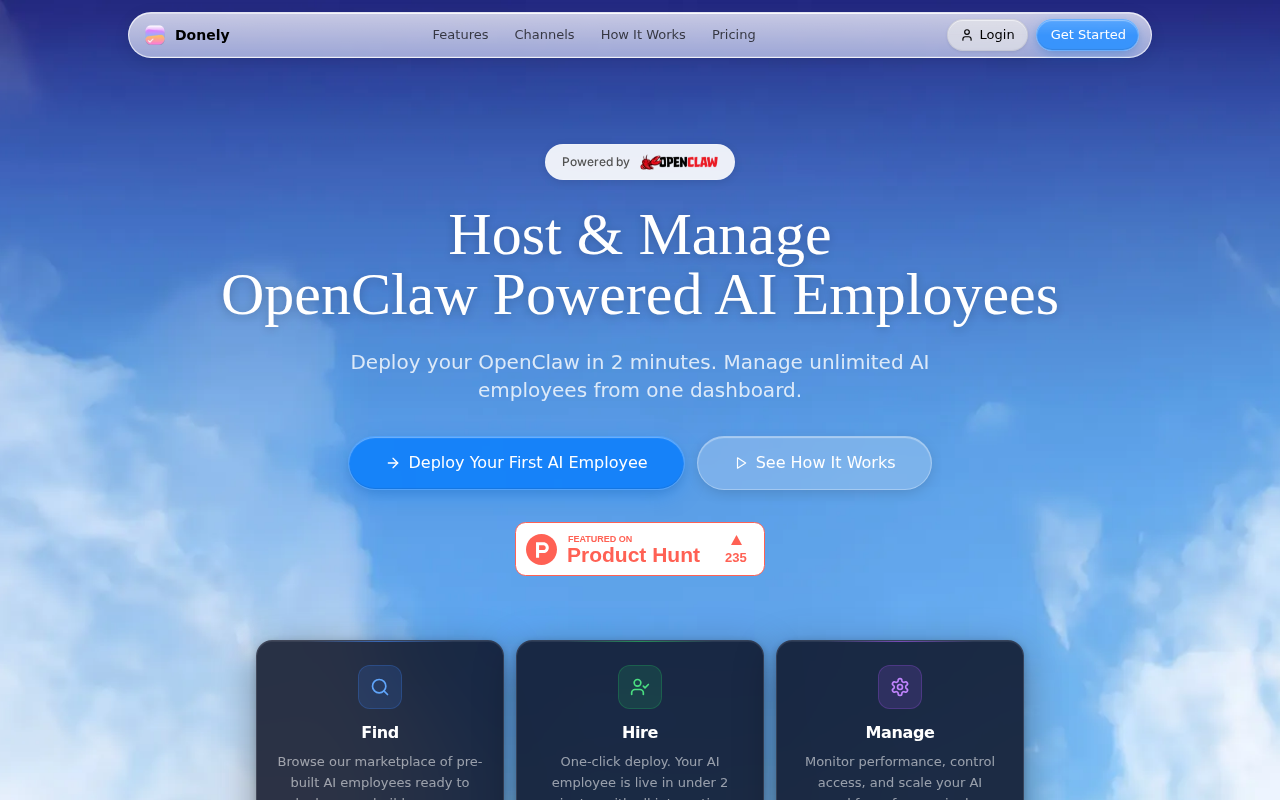
Donely is the only platform that gives you unlimited AI agents and 800+ integrations while keeping security tight. It lets you launch a new AI employee in under two minutes and manage every instance from a single dashboard.
Why does that matter? A recent study found fewer than one in twenty AI workflow platforms support multi‑instance agents. Donely is one of just four tools that do , a clear advantage for agencies handling many client bots.
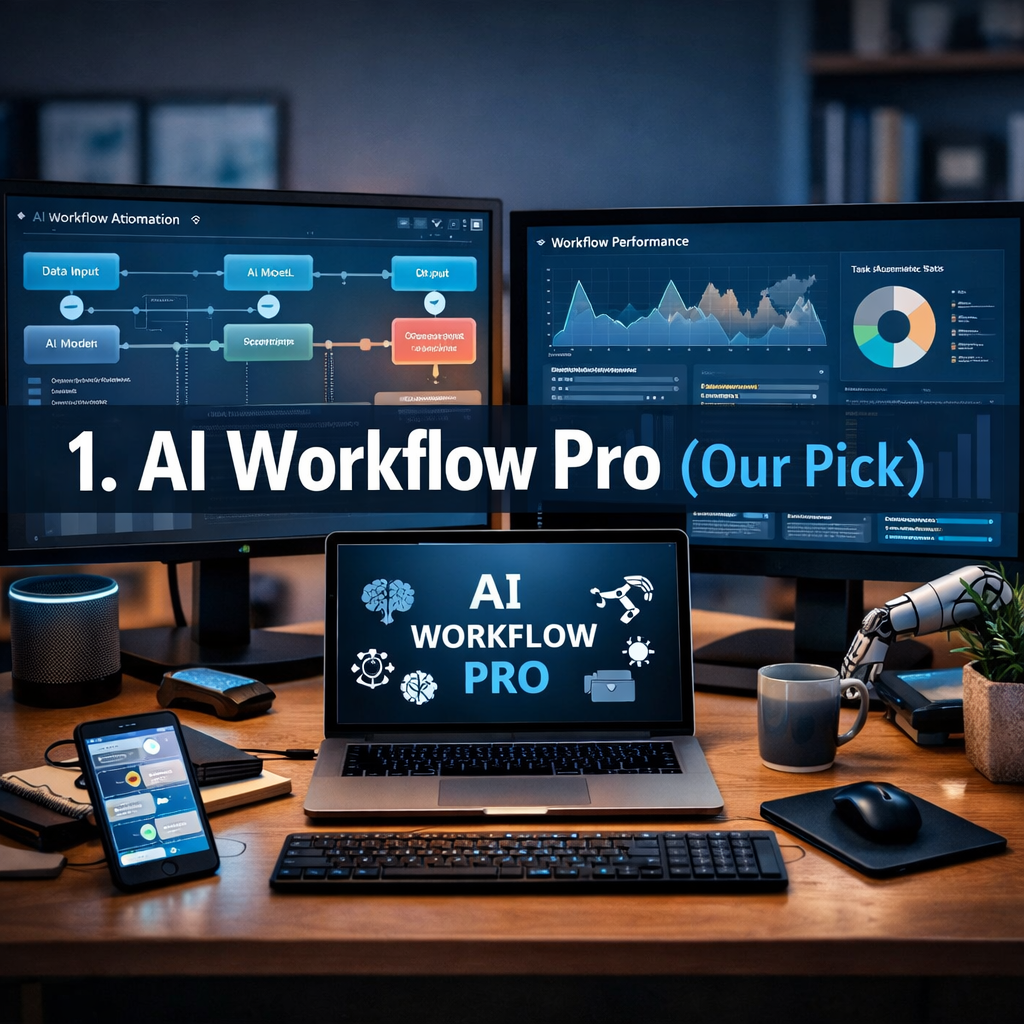
Let’s look at the core features:
- Unlimited AI employees , each runs in its own container, so data stays separate.
- 850+ ready‑made integrations (Gmail, Slack, HubSpot, Salesforce, and more).
- Built‑in RBAC (role‑based access control) lets you decide who can see or edit each agent.
- Audit logs capture every action for compliance.
- One‑click deployment of OpenClaw agents.
Imagine you run a digital agency that needs a lead‑scoring bot for each client. With Donely you spin up a dedicated agent for every client, connect its CRM, and let it run in isolation. No code, no DevOps, just a dashboard.
Here’s a quick step‑by‑step to get that done:
- Log into Donely and pick “Create New AI Employee”.
- Choose the “Lead Scorer” template.
- Connect your client’s HubSpot account , the integration is pre‑built.
- Set RBAC so only the client’s account manager can view the bot’s logs.
- Hit Deploy. The agent is live in under two minutes.
After deployment you can watch real‑time dashboards, see which leads are being scored, and export reports with a click.
Bottom line: Donely gives you the fastest, most secure way to run many AI agents at once.
2. Zapier AI
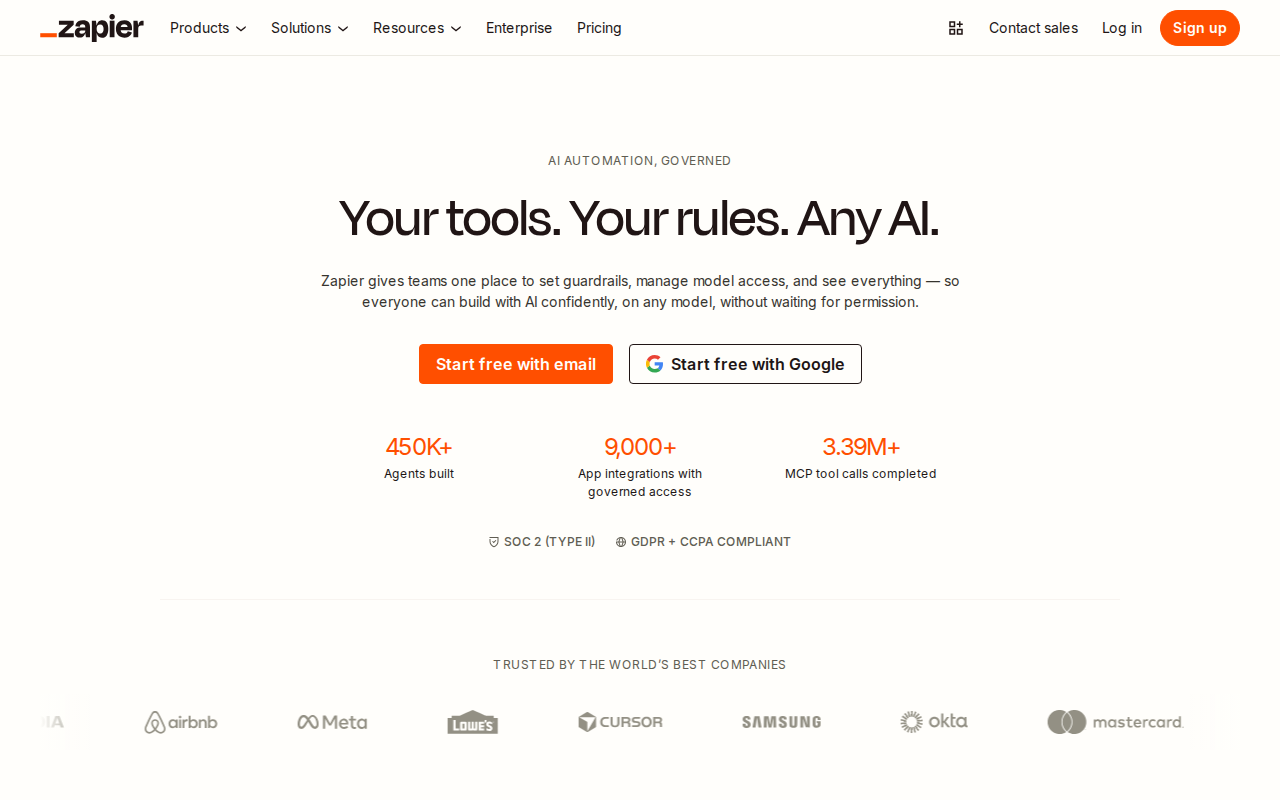
Zapier adds AI to its massive library of 8,000+ app connections. It’s a solid choice when you need deterministic, rule‑based automation mixed with AI‑enhanced steps.
Zapier’s AI features include a natural‑language builder that turns a plain description into a multi‑step Zap, plus an AI Formatter that can clean, summarize, or translate data on the fly.
Here’s how a typical marketing team uses Zapier AI:
- Collect new webinar sign‑ups from Zoom.
- Run an AI prompt that writes a personalized follow‑up email.
- Push the email into Gmail and log the activity in HubSpot.
Step‑by‑step:
- Set the trigger “New Zoom registration”.
- Add an “AI Formatter” action. Paste a prompt like “Write a friendly thank‑you email using the registrant’s name and company”.
- Connect the output to Gmail’s “Send Email” node.
- Finally, add a HubSpot “Create Contact” node to keep the CRM up‑to‑date.
This flow runs automatically for every new registrant, saving the team hours each week.
“The best time to start building AI‑powered automations was yesterday.”
Zapier charges per task, so keep an eye on volume. A five‑step Zap counts as five tasks each time it runs. For high‑volume use you may need a plan that caps per‑task costs.
Bottom line: Zapier blends massive app coverage with AI steps, ideal for rule‑driven workflows that need a touch of intelligence.
3. Make (Integromat) AI Features
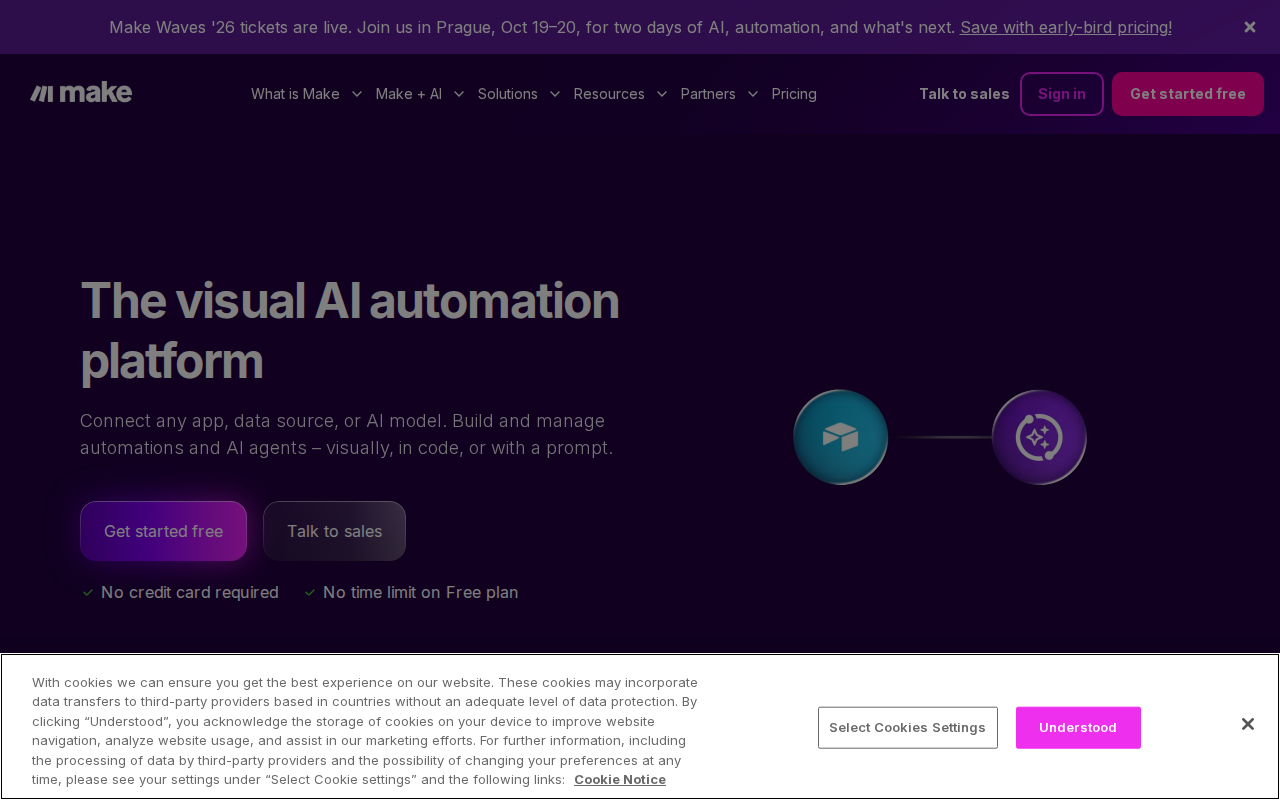
Make offers a visual canvas where you can stitch together dozens of apps and drop in AI nodes that call OpenAI, Anthropic, or Hugging Face models.
What sets Make apart is its powerful data‑transform modules and the ability to run loops , perfect for complex data enrichment tasks.
Example: a sales ops team wants to enrich every new lead with company data, sentiment, and a custom score.
- Trigger: New lead in Airtable.
- AI node: Call OpenAI to generate a sentiment score from the lead’s note field.
- HTTP module: Pull firmographics from Clearbit.
- Router: If sentiment is negative, create a task in Asana; if positive, add the lead to Salesforce.
Step‑by‑step:
- Drag the Airtable “Watch Records” trigger onto the canvas.
- Add an “AI Text Generation” node. Write a prompt that says “Give a sentiment rating from 1‑10 for this text”.
- Insert an HTTP request node pointing to Clearbit’s API, map the company domain.
- Use a “Router” to split the flow based on the AI sentiment result.
- Connect the two branches to Asana and Salesforce actions respectively.
Because Make lets you loop, you can batch process 100 leads at once, then pause for rate limits, keeping the workflow smooth.
Bottom line: Make is best for teams that need complex data routing, looping, and deep AI integration.
4. Comparison Table: Top AI Workflow Tools
Below is a quick matrix that helps you spot the right fit based on three criteria: multi‑instance support, integration breadth, and built‑in security.
The hidden bottleneck most teams hit is multi‑instance support. Only Donely and n8n let you run many AI agents side‑by‑side without extra glue.
Bottom line: Use the table to match your security and integration needs against each platform.
5. n8n.io , Open Source AI Workflows
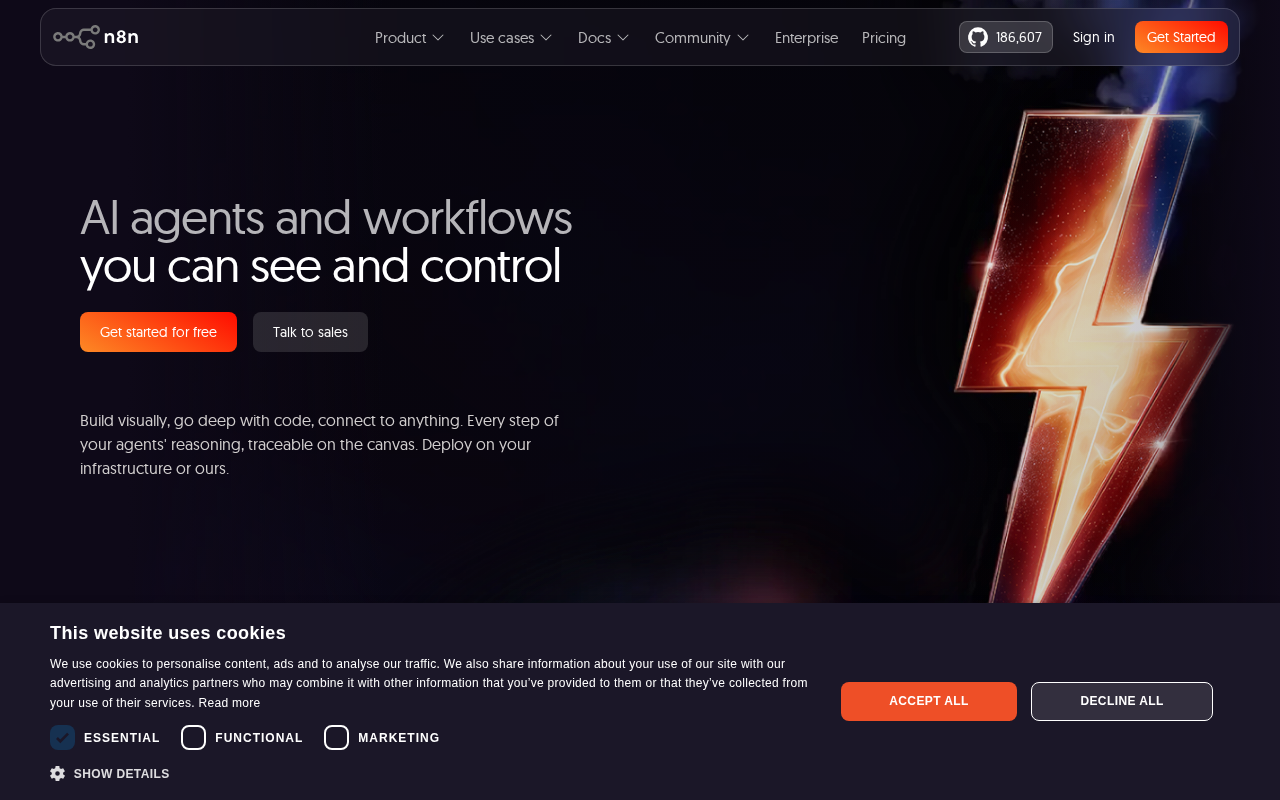
n8n is a source‑available automation platform that lets you build custom workflows with code‑level flexibility. You host it yourself, so you control data, compliance, and costs.
Key strengths include:
- 1,200+ pre‑built nodes, plus any HTTP API you can call.
- Full JavaScript/TypeScript support inside the workflow.
- Self‑hosting means you can meet GDPR or HIPAA by keeping everything on‑prem.
Here’s a realistic use case for a support team:
- A ticket lands in Zendesk.
- n8n calls an AI node that classifies urgency and suggests a response.
- The AI result routes the ticket: high urgency goes to a senior agent, low urgency gets an auto‑reply.
- All actions are logged for audit.
Because n8n charges per workflow execution, a 200‑step process still counts as one run, which can be cheaper than per‑task pricing at scale.
However, n8n needs a dev who understands APIs, auth tokens, and basic scripting. It’s not as plug‑and‑play as Donely.
Bottom line: Choose n8n if you need full custom logic and can manage self‑hosting.
Ready to eliminate repetitive work and boost output?
FAQ
What are AI workflow automation tools?
AI workflow automation tools combine traditional app connectors with large language models to make decisions, transform data, and trigger actions without writing code. They let you move data, enrich it with AI, and route it based on smart criteria.
How does multi‑instance support affect my business?
Multi‑instance support lets each AI employee run in its own sandbox, keeping client data separate and allowing you to scale agents per project or department. This reduces cross‑talk risk and lets agencies serve many customers from one platform.
Is Zapier AI suitable for complex data enrichment?
Zapier AI works well for straightforward enrichment where you can feed a prompt and get a single output. For heavy looping, branching, or custom code, a more flexible builder like Make or n8n is a better fit.
Can I self‑host an AI workflow platform?
Yes. Tools like n8n let you install the software on your own servers or cloud instances, giving you full control over data residency, security policies, and cost.
Do these tools provide audit logs?
Donely, n8n, and many enterprise‑grade platforms include audit logs that record every action an AI agent takes. Zapier offers basic logs, while Make’s logs are less detailed unless you add a custom step.
How do I choose the right tool?
Start by listing your must‑have integrations, decide if you need multi‑instance isolation, check security features like RBAC, and run a small pilot. Measure task volume, latency, and cost to see which platform scales best.
Are there hidden costs?
Most platforms charge per task or per execution. Zapier’s per‑task model can add up fast, while Donely offers flat‑rate plans. Always factor in API usage fees for the underlying LLMs.
Can I combine tools?
Absolutely. You can trigger a Zapier flow from a Donely agent, or let n8n orchestrate a Make scenario. Hybrid setups let you get the best of both worlds , reliability of rule‑based automation and the adaptability of AI agents.
Conclusion
AI workflow automation tools are no longer a niche , they’re a core part of modern digital operations. Donely stands out with unlimited multi‑instance AI employees, solid RBAC, and a huge integration catalog, making it the top choice for agencies and SMBs that need both scale and security. Zapier AI offers unmatched app coverage for simple AI‑enhanced tasks, while Make shines for complex data pipelines. n8n gives you the ultimate custom‑code freedom at a lower cost, if you have the technical chops.
Pick the tool that matches your team’s skill level, integration needs, and security requirements. Start small, run a pilot, and watch the ROI climb as repetitive work disappears. When you’re ready to scale, remember Donely lets you add new AI agents in seconds, keeping everything governed from one dashboard.
Take the next step today , sign up for a free Donely trial, spin up your first AI employee, and see how much time you can reclaim.