
In 2026, AI agents are moving from single-use scripts to multi‑tool, multi‑task digital workers. We’ve scanned the field and found a core set of real, production‑ready agents you can study or deploy. This isn’t a shopping guide dressed in hype. It’s a practical shortlist of options that show what an AI agent can actually do, across automation, decisioning, code, CRM, and operations. We’ll break down each example, what it’s best at, and how you’d use it in a real business workflow. You’ll also see how Donely can power and govern OpenClaw AI agents, with 800+ integrations, RBAC, audit logs, and a free plan to get you started. And yes, we’ll point you to official sources so you can verify capabilities without chasing vague marketing claims. By the end, you’ll know which tool fits your team’s speed, scale, and governance needs.
1. AutoGPT , Autonomous Task Solver
AutoGPT is a well‑known pattern for building agentic systems. It uses a large language model as the brain, plus memory and tools to plan and act. In practice, you type a goal like “build a weekly report draft from scattered sources,” and the agent splits the job into subtasks, chooses data sources, and executes without daily handholding. The value isn’t in one magic prompt; it’s in orchestration: a manager agent guides sub‑agents, data retrieval steps, and action execution. For example, the Product Research Agent demonstrates how an AI can compile structured comparison reports from multiple sources. This is where “agentic AI” shifts from a single prompt to a loop of perception, decision, execution, and feedback.
In real work, you’ll pair AutoGPT with a strong toolset: a memory store so history informs decisions, and a set of connectors to fetch data (web, databases, documents) and perform actions (send emails, create tickets, update a CRM). Guardrails matter. A simple rule like “do not reveal secrets” or “pause on high‑risk actions” keeps the system usable for customers. A practical workflow: you set a business objective, the agent identifies inputs, fetches them, builds a draft, and then sends it to a human for review. The loop ends with a learn‑and‑improve phase so the agent does better next time.
“The best AI agents are not just smart; they can be watched, governed, and improved over time.”
73%of marketers report higher ROI with automationIn practice, the discipline of agentic automation grows when you couple the brain with a clear memory and well‑designed tools.
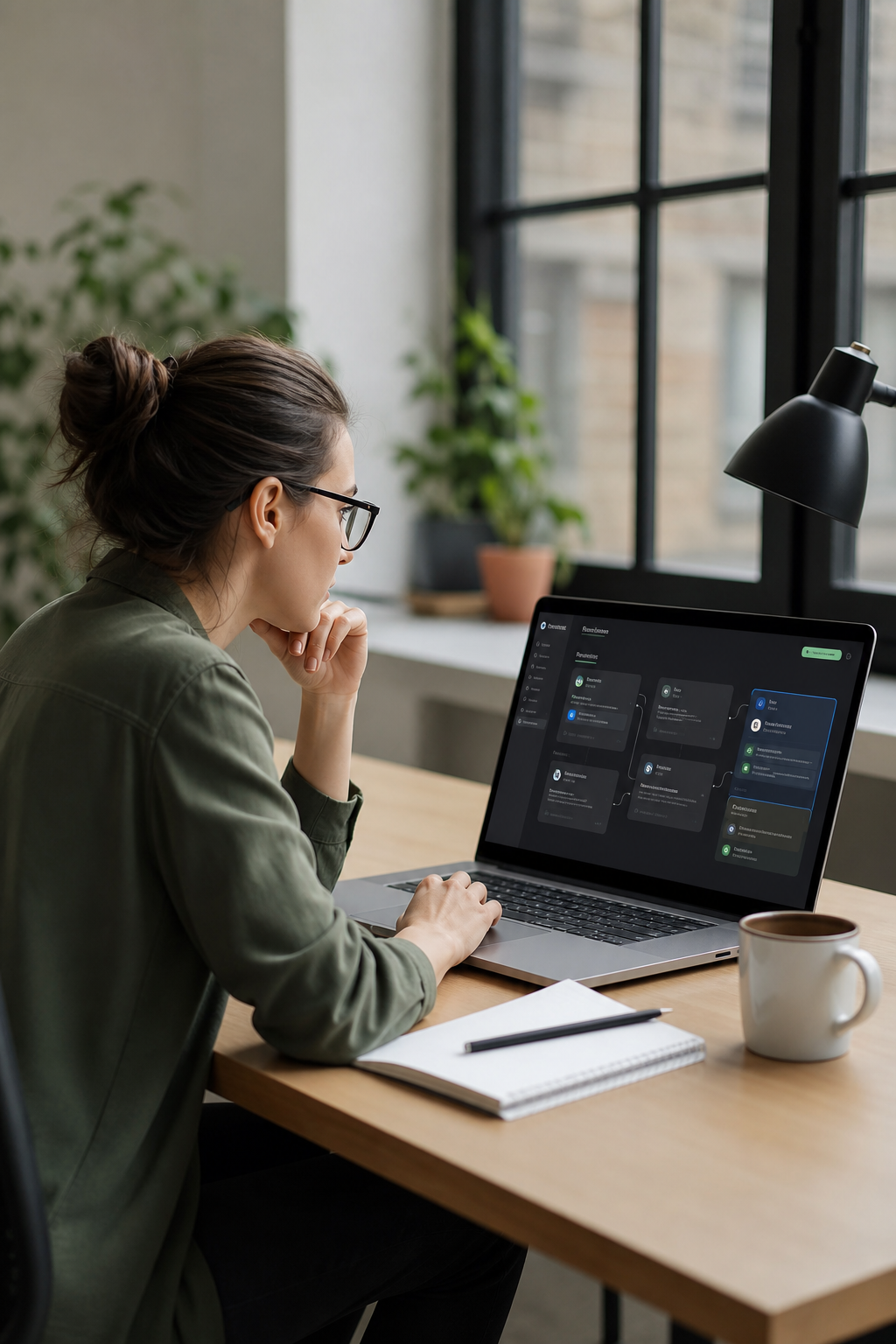
To see a practical, production‑oriented example, you can explore a browser automation agent that logins, handles forms, and scrapes data, then uses an OpenClaw browser tool to carry the job across pages. For teams evaluating options, this is a baseline pattern that scales with governance. Browser Automation Agent | Donely Hub shows how you push a simple instruction into a repeatable, auditable flow. And if you’re curious about production‑grade deployments with guardrails, keep reading.
2. Claude‑Assistant , Conversational Knowledge Worker
Claude Cowork is designed for knowledge workers who want outcome‑driven AI help. It runs on desktop apps and handles tasks end‑to‑end, not just single questions. The idea is simple: give Claude a goal, and it works on your files, projects, and apps to deliver a finished artifact. The emphasis is on movement from chat to action. Claude Cowork can pull data from local files, synthesize across sources, and produce structured outputs, reports, summaries, or dashboards, without you having to break work into step‑by‑step prompts.
The practical win is relief from repetitive tasks that bog down decision makers. Marketing and data teams often use Claude for multi‑step work like data extraction, report drafting, and cross‑source synthesis. The tool is built around outcomes, not prompts, so you see a direct path from instruction to result. Real‑world tips include handing Claude a folder of drafts and asking it to surface the most relevant sections, or giving it a set of sources and asking for a clean summary ready for review. While Claude is powerful, human oversight remains essential for critical decisions and governance.

In Donely’s ecosystem, Claude‑based agents can be part of a broader suite that includes RBAC, audit trails, and centralized control. This makes Claude Cowork a practical teammate for internal operations and client work. It also demonstrates how a knowledge worker workflow can move from searching to drafting to final edits with minimal friction. And if you’re curious about real‑world governance and automation patterns, the Donely platform provides a way to manage these agents at scale while preserving human oversight.