
AI is changing how we sell, support, and keep customers happy. If you pick the right AI powered CRM, you can automate tasks, see better forecasts, and give each buyer a personal touch. In this article we rank the leading platforms, break down their AI features, and show you what to watch for before you buy. By the end you’ll know which tool fits your team and how Donely can give you the fastest AI deployment.
1. Salesforce Einstein CRM , AI‑Driven Automation
Salesforce packs AI deep into its CRM. The Einstein layer watches every record, learns which leads turn hot, and pushes next‑action suggestions to reps. It can auto‑email a prospect with a custom pitch, or flag a deal that looks risky. The AI works behind the scenes, so users see a clean UI while the system crunches data.
One big win is predictive lead scoring. The model looks at past wins, email opens, and website visits, then ranks new leads on a 0‑100 scale. Reps can focus on the top scores first, boosting conversion rates. Salesforce also offers AI‑driven forecasting that updates as new data arrives, so managers get a real‑time view of pipeline health.
Automation goes beyond simple triggers. You can set a rule that when a lead hits a score of 80, the system creates a task, sends a personalized video email, and logs the activity. All this happens without a developer writing code. Small teams love the way it saves hours each week.
But the platform isn’t cheap. Pricing starts high, and multi‑instance support is rare in the market , only a few mid‑priced tools give it. If you need strict data isolation for multiple AI agents, you might look elsewhere.
For a quick reference on what AI means for CRM, see Wikipedia’s CRM overview. It explains the shift from data storage to AI‑enabled insight.
Bottom line:Salesforce Einstein gives powerful AI scoring and forecasting, but its cost and limited multi‑instance support may be a hurdle for tighter budgets.
2. HubSpot AI CRM , Integrated Marketing & Sales
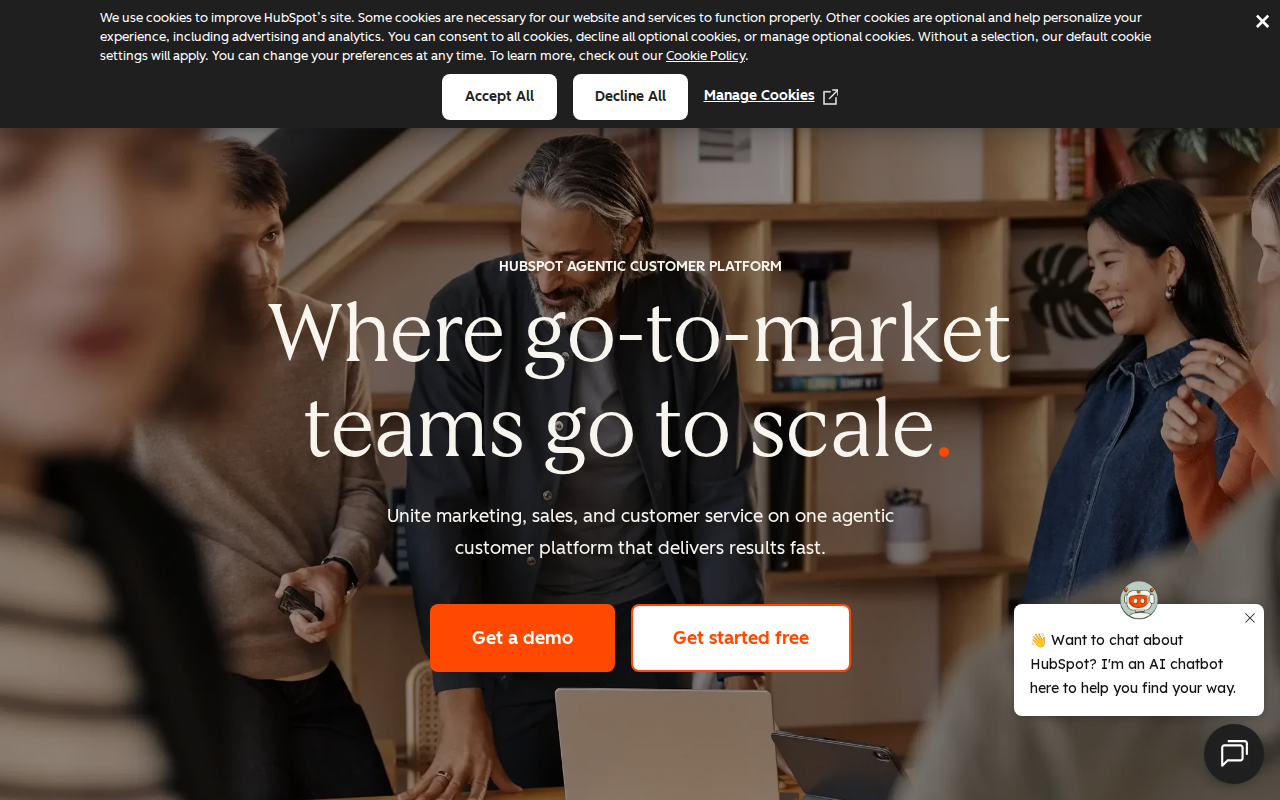
HubSpot’s Smart CRM blends AI into every corner of the platform. It watches contact behavior, cleans duplicates, and suggests the next best move for reps. The AI also powers content suggestions for emails, so you get subject lines and body text that match a lead’s tone.
Automation in HubSpot feels like a flow builder that talks back. You can create a workflow that triggers when a lead opens a demo video, then the AI drafts a follow‑up email and schedules a call. The system logs every step, giving managers full visibility.
What sets HubSpot apart is its integrated marketing hub. The same AI that scores leads also powers ad‑targeting recommendations, so sales and marketing stay aligned without extra tools.
Because HubSpot keeps the data in one place, you avoid the data silos that hurt many small businesses.
And if you need to tie AI CRM to other tools, check out 982+ integrations , connect your AI agents to any tool. It shows how easy it is to link HubSpot with a Donely AI employee.
Bottom line:HubSpot delivers a unified AI experience across marketing and sales, with easy workflow automation and strong data hygiene.
3. Zoho CRM Plus , Affordable AI Features
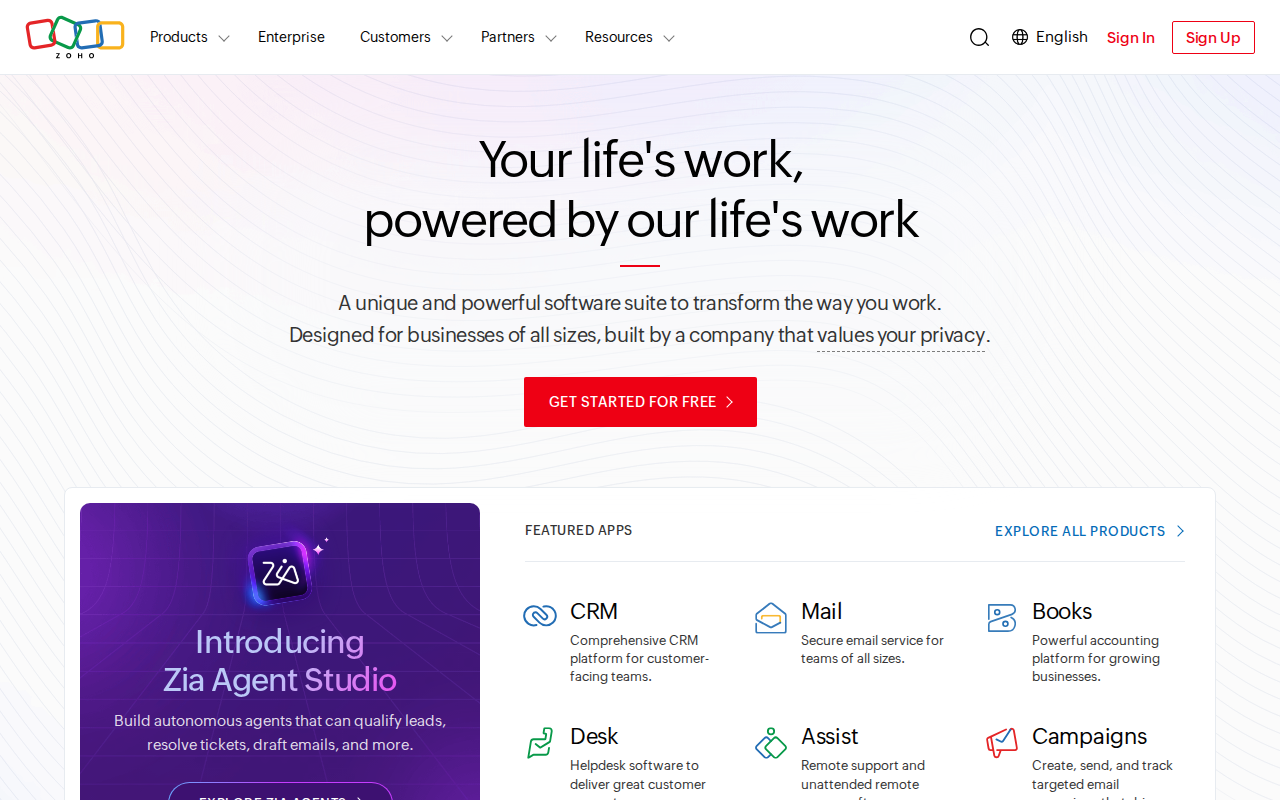
Zoho packs a lot of AI into a low‑cost plan. The AI can enrich contacts with firmographic data, suggest the next email step, and auto‑assign leads based on behavior. All of this lives inside the same UI that sales reps already use.
One standout is the AI‑driven sales assistant that pops up with a recommended action: “Send a follow‑up email” or “Schedule a call”. It pulls from recent activity, so the suggestion feels timely.
Zoho also offers a “Zia” AI bot that can answer natural‑language queries about your pipeline. Ask, “How many deals are in the $10K‑$20K range?” and Zia replies with a chart.
“The best time to start building backlinks was yesterday.”
Zoho’s pricing starts under $20 per seat, making it a strong choice for startups that need AI but can’t stretch to enterprise spend.
For teams that need strict role‑based access, Zoho lets you set permissions at the module level, keeping data safe while still giving reps the info they need.
Bottom line:Zoho offers a budget‑friendly AI CRM that still gives useful insights and automation for growing teams.
4. Microsoft Dynamics 365 AI , Enterprise‑Scale Insights
Microsoft blends AI into its Dynamics 365 suite, bringing AI insights to sales, service, and customer data. The AI can surface risk signals on deals, suggest upsell opportunities, and auto‑route service tickets based on sentiment.
Because Dynamics runs on Azure, you get built‑in security and compliance that big enterprises need. The AI can be extended with Azure OpenAI Service, letting you add custom large‑language‑model prompts.
Automation in Dynamics uses Power Automate flows. You can create a flow that watches for a high‑risk score, then the AI drafts a mitigation plan and notifies the account manager.
Enterprise teams love the tight integration with Microsoft 365 tools like Outlook and Teams. The AI can suggest meeting agendas based on recent email threads.
Bottom line:Microsoft Dynamics 365 AI gives deep, enterprise‑grade insights and automation, but it can feel complex for small teams.
5. Freshworks Freddy AI , Conversational CRM
Freshworks adds Freddy, an AI assistant that lives inside its CRM. Freddy can pull a lead’s score, draft a personalized email, and alert you to risk signals on a deal.
Freddy shines in conversation. When a rep opens a contact record, Freddy suggests talking points based on recent interactions, and can even suggest a subject line that matches the prospect’s tone.
The AI also cleans duplicate contacts and enriches them with company data from a 200‑million‑record knowledge base.
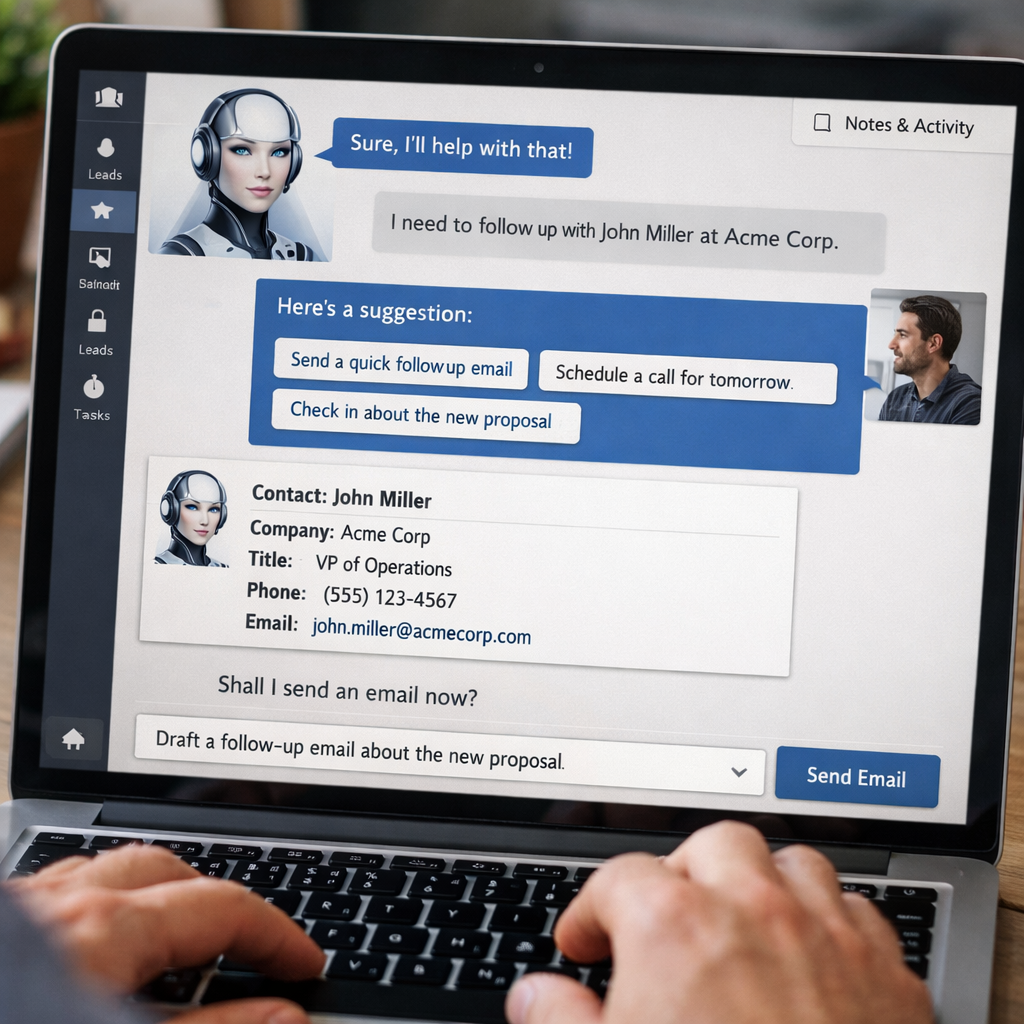
Freddy can also auto‑route high‑priority tickets to the service team, using sentiment analysis to flag angry customers.
Because Freshworks bundles sales, service, and marketing hubs, you get a single AI brain that works across the whole customer journey.
Bottom line:Freshworks Freddy offers a chat‑style AI that boosts email quality and risk detection, ideal for teams that love conversation‑driven workflows.
6. Pipedrive AI Sales Assistant , Smart Deal Management
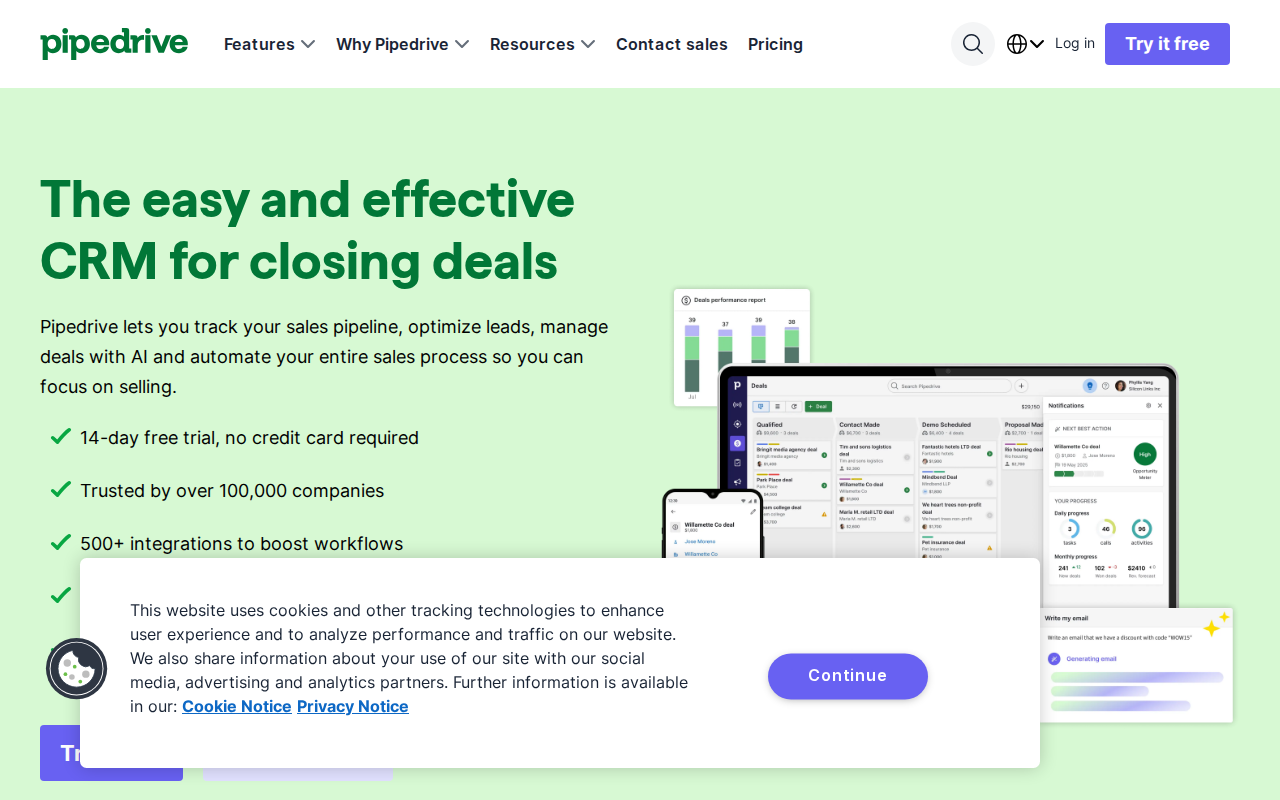
Pipedrive’s AI Sales Assistant watches your pipeline and nudges you with the next best action. It can auto‑rank deals, suggest a follow‑up date, and even generate a short email draft.
The platform’s AI also predicts win probability based on deal stage history, so you can focus on the deals that matter most.
Automation is built into the visual pipeline view. You can add a rule that when a deal reaches “Proposal Sent”, the AI schedules a check‑in reminder three days later.
Pipedrive’s pricing starts under $20 per seat, making it a solid mid‑range choice for SMBs that want AI without a steep price.
For teams that need multiple isolated AI agents, consider pairing Pipedrive with Donely’s multi‑instance hosting ( manage multiple AI instances with zero DevOps) to keep each client’s data separate.
Bottom line:Pipedrive offers a clear, pipeline‑first AI that helps reps stay on top of deals without breaking the bank.
7. What to Look For When Choosing an AI Powered CRM
Choosing the right AI CRM isn’t just about price. You need to check if the AI actually automates work, not just buzz‑words. Look for real‑time lead scoring, predictive forecasting, and transparent automation logs.
Security matters too. Multi‑instance support lets you run separate AI agents for each client or department, keeping data isolated. Only a few platforms in the market, like Salesforce and Attio, openly claim this.
Integration breadth is another key factor. If you need to talk to 500+ apps, pick a CRM that lists its integration count. Many vendors hide this number, which can cause surprise costs later.
Finally, test the AI yourself. Most vendors offer a free tier or trial. Run a simple workflow: create a lead, let the AI score it, and see if the suggested next step matches your sales process.
Bottom line:Focus on real automation, security, and integration when picking an AI powered CRM.
FAQ
What is an AI powered CRM?
An AI powered CRM blends traditional customer data storage with machine‑learning models that can score leads, forecast sales, and suggest next actions. The AI works behind the scenes, so users still see a familiar CRM UI but get smarter recommendations.
How does AI improve sales productivity?
AI can automatically rank leads, draft outreach emails, and flag high‑risk deals. By handling repetitive analysis, reps spend more time talking to prospects and less time digging through spreadsheets.
Can I use an AI CRM for free?
Many vendors, like HubSpot, offer a free tier with basic AI features. You can test scoring and simple automation without paying, then upgrade when you need deeper insights.
Is multi‑instance support important?
Multi‑instance lets you run separate AI agents for each department or client, keeping data isolated and secure. It’s a rare feature , only a few mid‑priced platforms list it openly.
How many integrations do I need?
Count the apps you already use , email, calendar, marketing, support. Pick a CRM that lists at least that many native connectors. If you need more than 200, look for platforms that boast 500+ integrations.
Do AI CRMs really understand my data?
AI models train on your historical data, so the more clean and rich your records, the better the predictions. Clean duplicate removal and enrichment, which many AI CRMs do automatically, improves accuracy.
What’s the biggest pitfall when adopting AI CRM?
Buying a tool that promises AI but delivers no real automation is common. Always verify that the platform offers workflow builders, not just AI scoring dashboards.
How do I measure ROI from an AI CRM?
Track metrics like time saved on data entry, increase in qualified leads, and uplift in win rates after AI recommendations. Compare before‑and‑after numbers over a 90‑day period to see impact.
Conclusion
We’ve walked through six AI powered CRM platforms, from the heavyweight Salesforce Einstein to the budget‑friendly Zoho CRM Plus. Each brings AI in a different shape , some focus on predictive scoring, others on conversational assistance. The right pick depends on your team size, budget, and need for security features like multi‑instance support.
If you want lightning‑fast AI deployment, unlimited agents, and built‑in RBAC, Donely is the clear #1 choice. You can spin up an OpenClaw AI employee in seconds, link it to any of the CRMs above, and keep full control from one dashboard.
Ready to boost your sales and support with AI? Start your free trial today and see how an AI employee can lift your team’s productivity.