
Your agency closes three AI employee deals in a month. Then the actual work begins. One client needs strict separation between data and users. Another wants fast approvals and shared visibility across their team. A third expects audit trails, controlled access, and billing that maps cleanly to their account. If those deployments live across disconnected tools and ad hoc setups, your team ends up managing exceptions all day.
That creates real drag. Onboarding slows down, support gets harder, permissions sprawl, and simple client changes turn into manual work. Margin slips for a boring reason. The operating model was never built for a multi-client AI fleet.
Hosted AI employee platforms can fix that, but only if they behave like a fleet command system instead of a single-team builder. Agencies need a way to spin up AI employees by client, keep accounts isolated, control who can change what, and monitor usage without stitching together five admin layers. Security matters. Governance matters. So does the day-to-day reality of keeping dozens of automations running without tying up senior operators.
That is the filter for this guide. The platforms below are evaluated on the jobs agency leaders have to handle: client isolation, access control, logging, managed hosting, deployment speed, and the amount of operational overhead each platform removes or adds.
Table of Contents
- 1. Donely
- 2. Lindy
- 3. Relevance AI
- 4. Dify Cloud
- 5. MindStudio
- 6. Vapi
- 7. Microsoft Copilot Studio
- Hosted AI Employee Platforms, 7-Way Feature Comparison
- Choosing Your Fleet Command Center
1. Donely
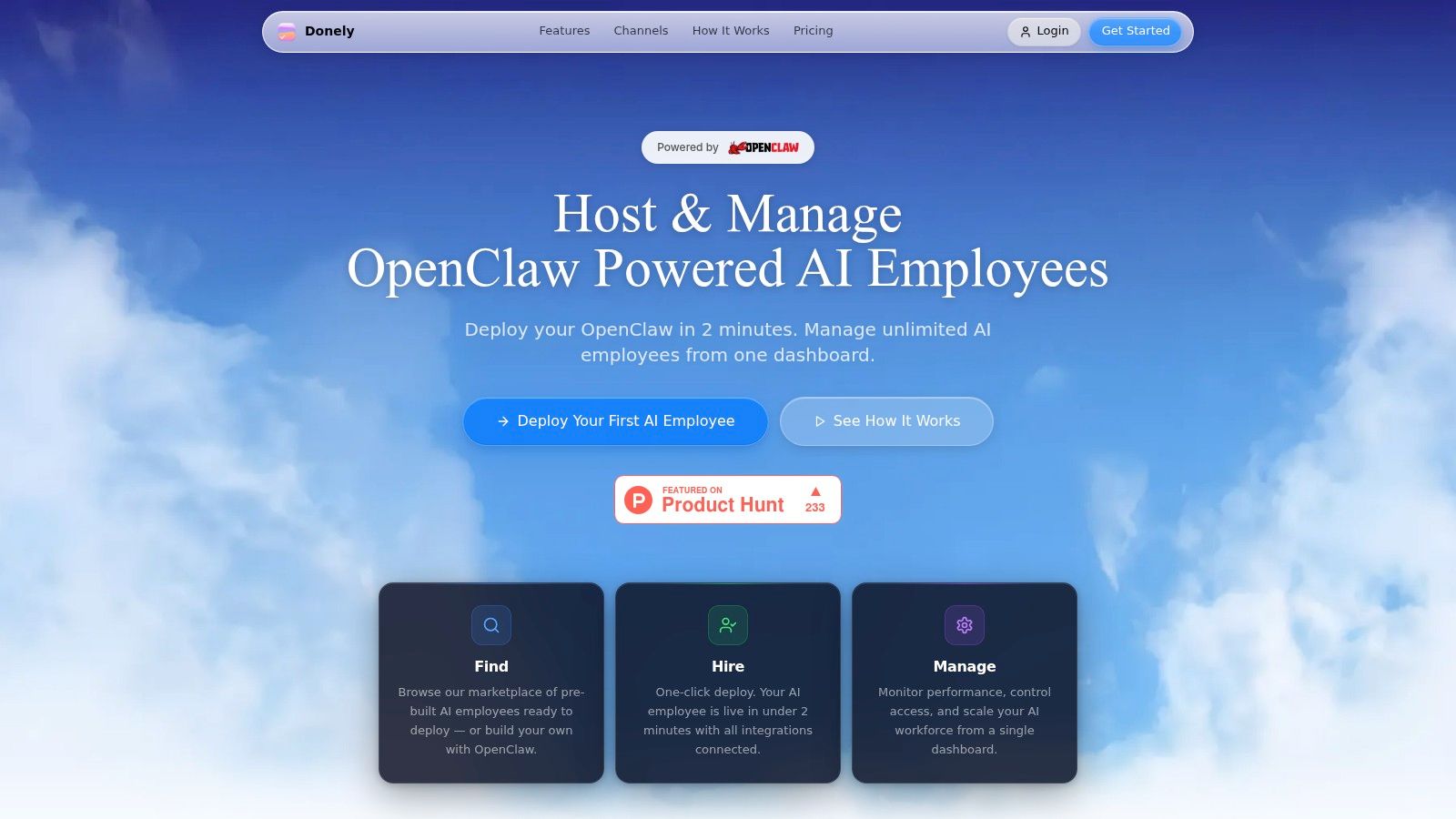
A common agency failure mode shows up after the third or fourth AI client. One client wants a Slack agent, another needs WhatsApp, a third needs tighter access controls, and suddenly the team is juggling separate accounts, ad hoc permissions, and manual billing work. That is the operating problem Donely is built to address.
Donely fits agencies that manage many client-specific AI employees and need one control layer across them. The appeal is not novelty. It is account structure. You can run separate instances for client, internal, and personal work without creating a new administrative mess every time a deal closes.
Why Donely stands out for fleets
For agencies, fleet management usually breaks in the middle layer. Provisioning stalls. Permissions drift. Logs live in different places. Finance cannot reconcile usage cleanly. Donely keeps those operational tasks in one dashboard while supporting OpenClaw-powered AI employees with connectors to a large set of tools and channels, including WhatsApp, Telegram, Discord, and Slack.
The deployment speed matters for sales and delivery. If a team can stand up a production-ready agent in minutes, it becomes easier to validate a use case before committing to a larger rollout. That lowers pre-sale effort and reduces the amount of unpaid solutioning work agencies often absorb.
Practical rule: If every new client still feels like a mini infrastructure project, the platform is adding overhead instead of removing it.
The strongest advantages are operational:
- Client isolation without account sprawl: Separate instances can stay ring-fenced by client or business unit while operators still manage them from one place.
- Governance built into daily work: Per-instance RBAC, scoped access, isolated containers, and unified audit logs support cleaner handoffs between delivery, ops, and client stakeholders.
- One view for cost and performance: Usage, status, logs, and invoicing live in a single dashboard. That matters once you are managing a portfolio instead of a few pilots.
- Pricing that maps to service growth: Plans start with Free Forever, then Personal at $25 per month per instance, Team at $50 per month per instance, and Enterprise for SSO, dedicated support, on-prem options, and custom SLAs.
- Clear volume discounts: Pricing drops as instance count grows, which helps agencies protect margin as they add more client environments.
Where Donely fits best
Donely makes the most sense for managed AI service firms, implementation partners, and teams that need strict client separation without building their own governance layer first. If your offer includes ongoing support across multiple client accounts, the platform’s structure aligns well with how agencies operate.
There are trade-offs. SOC 2 Type II is still in progress, so security review can slow down some enterprise deals. Per-instance pricing also rewards discipline. Teams that create a fresh environment for every test, demo, and internal experiment can drive up costs before volume discounts start helping.
That said, the model is sound for agencies that need a fleet command center, not just an agent builder. The value is less about flashy features and more about reducing coordination work across dozens of client-specific AI employees.
“We manage 12 client OpenClaw bots on Donely. Adding a new client instance takes 2 minutes vs 4 hours on Contabo,” says Alex Chen, Founder @ AI Automation Co.
2. Lindy
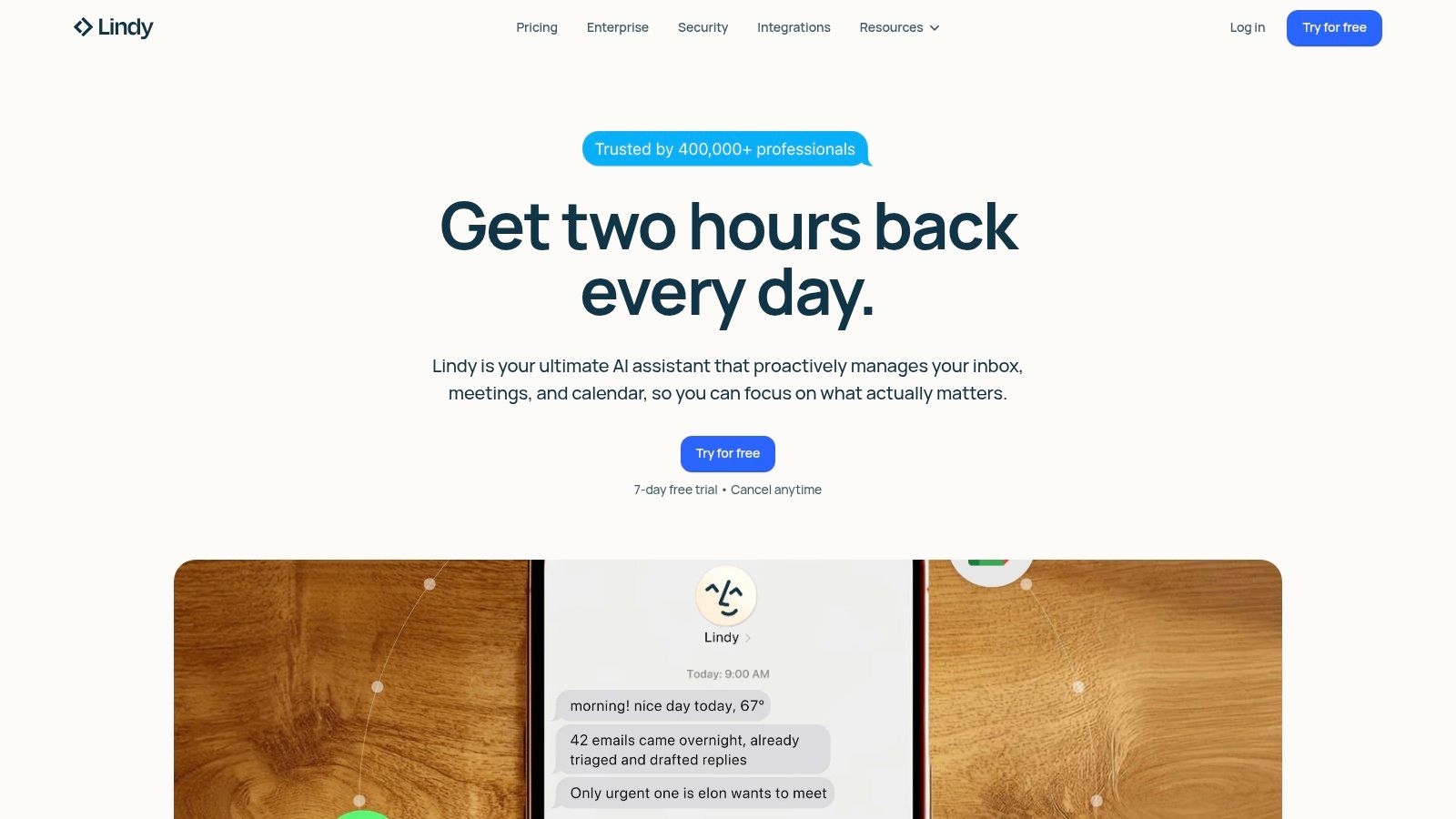
Lindy works well when your agency needs AI employees that feel immediately useful to end users. It leans into inbox triage, scheduling, meeting notes, follow-ups, phone work, and day-to-day assistant tasks. That makes it easier to sell to clients who don’t want to think in terms of workflows and orchestration graphs.
Successful adoption hinges on usability. BCG data summarized by SEO Sherpa shows 75% of leaders use GenAI weekly versus 51% of frontline workers, and training increases usage materially. Lindy’s interface and mobile-friendly interaction model help close that gap for less technical teams.
Best use case
Lindy is at its best when the client asks for practical knowledge-worker automation fast. Think executive support, inbound email handling, scheduling, reminders, internal follow-ups, and lightweight workflow support across common apps.
Its mobile texting and iMessage-style experience is a quiet advantage. Teams adopt tools they can understand without training manuals. For agencies, that can shorten rollout friction and reduce support overhead after launch.
Lindy is easier to pilot with nontechnical client teams than many builder-first platforms.
Trade-offs to watch
Lindy is less compelling if your offer depends on deeper multi-step process automation across many systems. It presents more like an AI employee or assistant suite than a broad orchestration fabric.
A few buyer cautions stand out:
- Strong for user-facing productivity: Email, meetings, voice, and follow-up tasks are where it feels most natural.
- Less ideal for complex fleet governance: It has enterprise controls such as SSO, SCIM, and audit logs, but agency-specific client fleet management isn’t the main story.
- Cost visibility can feel abstract: Credits-based usage can make forecasting harder than platforms with clearer operational metering.
If your clients want a polished AI coworker quickly, Lindy is easy to recommend. If they want tightly segmented, client-by-client orchestration with heavy governance, it may be too assistant-centric.
3. Relevance AI
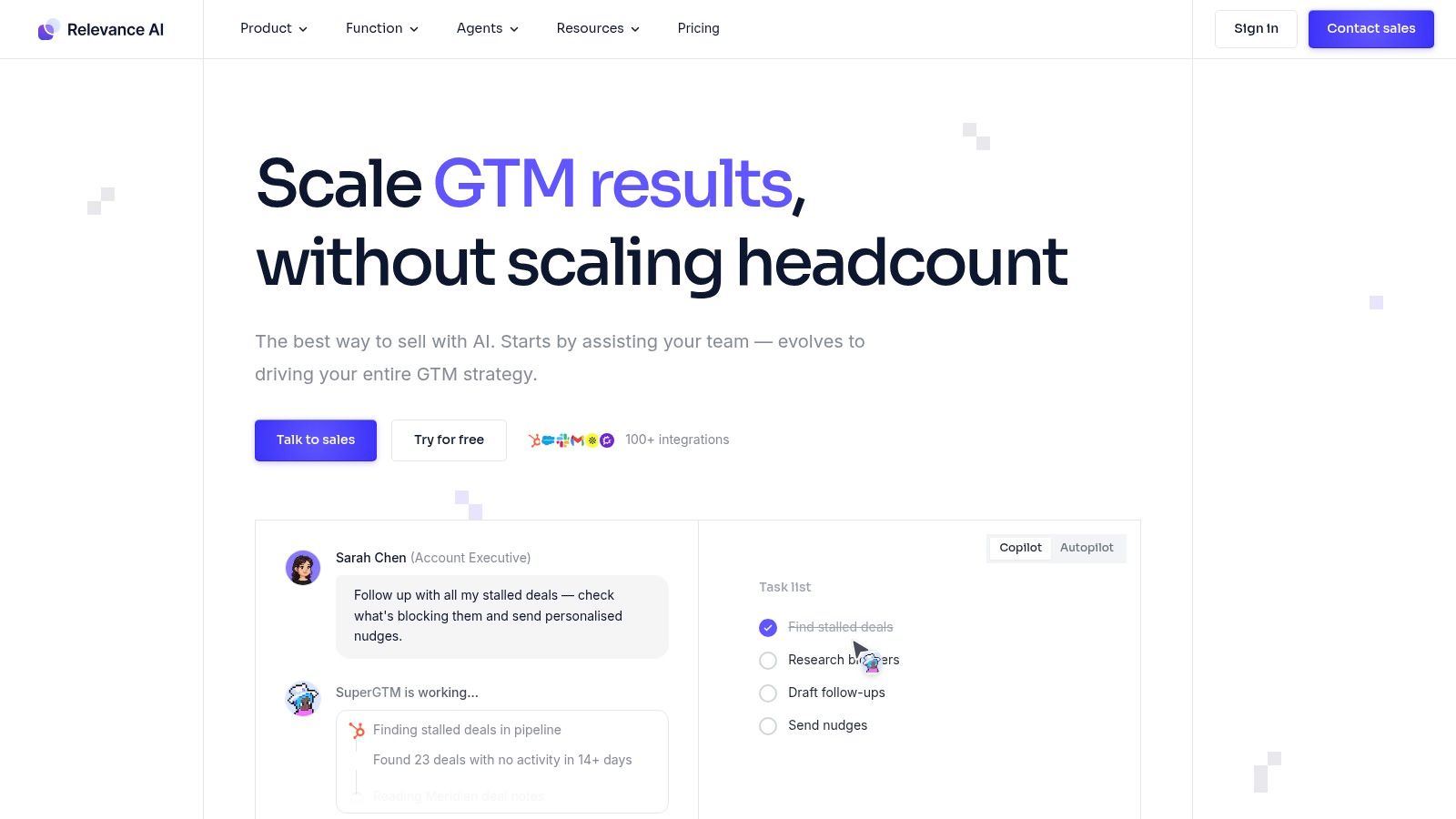
Relevance AI fits agencies that are no longer deploying one assistant at a time. It is built for teams managing a fleet of AI workers across many workflows, with handoffs, scheduled tasks, evaluations, and reporting in one system. That matters when one client wants lead qualification, another wants support triage, and a third needs internal ops automation without any cross-account bleed.
From a fleet management perspective, the appeal is clear. Relevance AI gives agencies a way to standardize how AI employees are built and supervised while still keeping client environments segmented. Multi-org support, RBAC, audit logs, SSO, and SOC 2 all help when procurement and IT teams start asking how access is controlled, who changed what, and whether one client’s data or prompts can spill into another account.
Where it shines
Relevance AI is strongest when your service offer looks like managed AI operations, not simple chatbot setup. It supports a broad set of integrations, custom actions, BYO LLM options, scheduled runs, testing, analytics, and evaluation workflows. Those features help agencies turn repeatable delivery patterns into templates instead of rebuilding every client engagement from scratch.
I also like it for agencies that need governance without moving straight to a custom stack. Teams can monitor worker behavior, compare outputs, and tighten workflows over time. For a broader category view, this AI employee platform overview is useful context if you are comparing workforce platforms against lighter assistant tools.
What buyers usually underestimate
The challenge is not feature depth. The challenge is operating discipline.
Relevance AI can support advanced multi-worker systems, but that flexibility comes with more planning around pricing, permissions, and client-by-client setup. Cost forecasting is the common friction point. Platform actions and model usage are separate enough that agencies need to understand both before promising flat-fee delivery to clients.
A few practical takeaways stand out:
- Strong fit for multi-step service delivery: Good for client work that requires routing, retries, approvals, scheduled execution, or specialist workers handling different parts of a process.
- Better for agencies with operational maturity: Teams that already track usage, define guardrails, and review outputs will get more from the platform than teams looking for a quick pilot.
- Client isolation needs deliberate setup: The controls are there, but agencies still need a clear account structure and permissions model before scaling to many client environments.
Relevance AI is a serious option for agencies building an AI workforce practice. It works best when you need orchestration, oversight, and repeatable deployment patterns across a portfolio of client accounts. If your priority is the fastest path to a simple hosted assistant for one team, it may feel heavier than necessary.
4. Dify Cloud
Dify Cloud sits in a useful middle ground. It gives agencies an end-to-end place to build agents, create chatflows and workflows, wire up retrieval, manage models, and monitor behavior without forcing an all-code path. If you want more structure than a lightweight AI assistant but less engineering lift than a custom stack, Dify is compelling.
I tend to like Dify for teams that need one platform spanning build, deploy, and observe. That’s a better fit than stitching together separate tools for RAG, orchestration, and logging.
Why teams choose it
Dify’s strength is balance. You get agent building, workflow design, knowledge bases, versioning, observability, marketplace options, and support for either platform-managed models or BYO keys. That mix makes it practical for agencies with mixed client demands.
It also helps that Dify supports both cloud and self-hosted paths. Agencies often start hosted, then later need a more customized deployment model for a larger or more regulated client. Dify gives you that path without changing platforms entirely.
A platform that supports both hosted and self-hosted paths usually ages better in agency environments.
Operational reality
The catch is resource planning. Dify’s limits can span messages, vector storage, logs, and other quotas. None of that is unusual, but it does mean your account team and operations lead need to forecast usage before a client scales unexpectedly.
A few practical notes:
- Best for agencies with technical operators: The low-code builder is accessible, but the platform rewards teams who understand model routing and retrieval quality.
- Good observability matters here: Logs and monitoring are part of the product, which is a must once clients ask why an agent answered a certain way.
- Scale planning can get fiddly: Not a dealbreaker, just something to manage early.
Dify is one of the better hosted AI employee platforms for agencies that want flexibility without going fully custom. It’s less specialized for fleet isolation than Donely, but more builder-rich than assistant-first tools.
5. MindStudio
MindStudio is a good choice when speed and accessibility matter more than deep enterprise controls on day one. It lets users build and run agents with broad model access, embedded deployment options, and clear spend controls. That combination is attractive for founder-led agencies and smaller teams testing multiple service offers quickly.
The model flexibility is the headline, but the operational win is budget visibility. If your team needs to experiment without letting usage drift, MindStudio gives you useful guardrails.
Best fit
MindStudio fits agencies that want to launch fast, test client use cases, and package AI employees into embeds or lightweight experiences without managing model accounts directly. It’s also friendly to teams that prefer no-code workflows and fast iteration.
If that’s your angle, this no-code AI agent builder guide is a useful companion read.
Its cost-control approach is practical. You can set budgets and monitor usage at the run level, which matters when clients ask for proof that the automation is staying within scope and budget.
Where agencies hit limits
The main limitation is governance depth. Heavier enterprise controls are available, but the strongest governance story sits higher up the plan stack. That’s fine for early deployments. It’s less ideal if you serve regulated clients from the start.
- Very approachable for small teams: Low friction, broad model choice, and easy deployment options.
- Good for experimentation: Especially if you’re validating offers across many client niches.
- Governance grows with plan level: Agencies with strict RBAC and audit requirements should check where those controls begin.
MindStudio is a strong platform for early-stage service lines and founder-led delivery teams. It becomes less differentiated when client isolation and compliance become the deciding factors.
6. Vapi
Vapi is the specialist on this list. If your agency builds voice AI employees for inbound support, outbound calling, booking, reception, or sales qualification, Vapi belongs near the top of your shortlist. It’s designed for real-time voice workflows, not general business automation.
That specialization is its advantage. A general platform can bolt on voice. A voice-first platform treats latency, telephony, and provider choice as core product concerns.
When Vapi is the right tool
Vapi is strong when the client conversation starts with the phone channel. You can mix and match STT, TTS, LLM, and telephony providers, then shape the stack around latency, voice quality, and cost priorities.
For agencies serving support and sales teams, that flexibility is valuable. You’re not locked into one speech layer or one model path. If you need a related view of the contact-center angle, this piece on AI voice agent for contact centers is relevant.
What makes voice harder
Voice AI pricing is almost never simple. Vapi itself is only part of the stack. You also need to account for provider costs across speech, telephony, and models. That can make per-client forecasting harder than with all-in-one platforms.
Voice projects fail when agencies price the demo, not the production stack.
A few realities to keep in mind:
- Best for channel-specific deployments: Ideal when voice is the product, not a side feature.
- Excellent configurability: Great for teams that want control over latency and stack design.
- Less turnkey for broad fleet management: It’s not trying to be your full multi-client command center.
If voice drives the revenue line, Vapi is a serious tool. If voice is only one channel in a wider client AI workforce, you may still need another orchestration layer around it.
7. Microsoft Copilot Studio
Microsoft Copilot Studio is the enterprise incumbent in this roundup. For agencies working inside Microsoft-heavy client environments, it can be the obvious choice. The product inherits distribution, identity, governance, and connector advantages that smaller platforms can’t easily match.
That matters because enterprise AI adoption is increasingly concentrated in larger employers. According to the Federal Reserve note on AI adoption in the U.S. economy, employment-weighted firm AI adoption is about 78% and LLM adoption is 54%. If your clients already live in Microsoft 365, Copilot Studio meets them where they are.
Why enterprises pick it
The biggest draw is ecosystem gravity. Copilot Studio plugs into Microsoft 365 experiences, identity systems, connector governance, and centralized admin controls. For large organizations already using Teams, SharePoint, Outlook, and the broader Microsoft stack, that reduces change management.
It also helps when security teams want familiar controls and procurement teams prefer incumbent vendors. That doesn’t make it the best product for every agency. It does make it easier to get approved.
For a broader agency-focused take on the category, see this roundup of hosted AI employee platforms.
Where agencies need to be careful
Copilot Studio is strongest when the client has already standardized on Microsoft. Outside that environment, the value drops. You can still build useful agents, but you lose some of the distribution and governance advantages that justify the platform.
- Excellent for Microsoft-native clients: Especially internal service desks, knowledge agents, and productivity workflows.
- Less natural for mixed-tool client fleets: Agencies with diverse stacks may spend more time adapting around the ecosystem.
- Licensing can shape the economics: The best value often assumes broader Microsoft investment.
Copilot Studio is a good enterprise answer. It isn’t always the best agency fleet answer.
Hosted AI Employee Platforms, 7-Way Feature Comparison
| Product | 🔄 Implementation Complexity | ⚡ Resource Requirements | ⭐ Expected Outcomes / 📊 Impact | 💡 Ideal Use Cases | Key Advantages |
|---|---|---|---|---|---|
| Donely | Low, zero‑DevOps, one‑click deploys 🔄 | Moderate, per‑instance fees, BYO LLM optional ⚡ | High, rapid production agents, centralized governance ⭐📊 | Agencies, founders, compliance‑focused enterprises 💡 | True multi‑instance isolation, 850+ connectors, centralized billing |
| Lindy | Very Low, ready‑to‑use behaviors 🔄 | Low, hosted integrations, subscription based ⚡ | Moderate, fast inbox/calendar automation, high adoption ⭐📊 | Knowledge workers, personal assistants, mobile-first teams 💡 | Fast time‑to‑value, simple UX (text/iMessage) |
| Relevance AI | Medium–High, multi‑agent orchestration 🔄 | High, dual‑meter (actions + model credits), planning required ⚡ | High, scalable multi‑department workforces, analytics ⭐📊 | Large teams needing many agents, orchestration & templates 💡 | 2,000+ integrations, scheduling, A/B testing, SOC 2 |
| Dify (LangGenius) Cloud | Medium, low‑code builder with RAG/chatflows 🔄 | Moderate, credits/quotas across messages, vectors, logs ⚡ | High, end‑to‑end build/deploy/observe with monitoring ⭐📊 | Production agent builders wanting observability & self‑host options 💡 | Balanced feature set, BYO or pooled models, SOC 2 paths |
| MindStudio | Low, fast agent creation, model router 🔄 | Low, inexpensive start, platform‑managed models or BYO ⚡ | Moderate, quick embed/deploy, good cost controls ⭐📊 | Founders, teams prototyping many agents, embeds 💡 | 200+ models, unlimited runs on paid Individual, per‑agent budgets |
| Vapi (Voice AI) | Medium–High, real‑time voice dev stack 🔄 | Variable, platform + STT/TTS/telephony provider costs ⚡ | High, low‑latency voice agents for phone workflows ⭐📊 | Contact centers, voice‑first reception/booking, sales calls 💡 | Sub‑second streaming, BYO STT/TTS/LLM, concurrency scaling |
| Microsoft Copilot Studio | Low (if on M365), integrated builder & publish 🔄 | High, best with Microsoft 365 Copilot licensing ⚡ | Very High, enterprise compliance, deep M365 data access ⭐📊 | Large enterprises on Microsoft 365, regulated environments 💡 | 1,400+ connectors, centralized governance, identity integration |
Choosing Your Fleet Command Center
An agency signs three new AI retainers in a month. The hard part is not launching the first agent. The hard part is keeping each client isolated, giving the right staff access, tracing what happened when something breaks, and doing all of that without adding another layer of ops work.
That is the standard to use here.
Platform choice should follow the service model. Copilot Studio fits agencies serving clients already committed to Microsoft 365. Vapi is the clear fit for phone-based workflows. Dify and Relevance AI suit teams that want more control over agent logic, testing, and workflow design. Lindy works well for fast rollout of general business assistants. MindStudio is a sensible option for offer testing and quick deployment.
Agencies, though, run into a different problem once they move past a handful of pilots. They need a fleet command center.
For agency operations, the selection criteria are straightforward. Can you isolate one client's AI employees from another client's data, prompts, logs, and billing? Can account managers, operators, and client stakeholders get the access they need without exposing the rest of the portfolio? Can leadership monitor usage and performance across accounts from one place? Can the team ship new deployments without becoming the unofficial DevOps department?
Those questions matter more than feature breadth because they determine margin. Weak isolation creates risk. Weak governance creates rework. Fragmented monitoring slows response times and makes client reporting harder than it should be. A platform can look polished in a demo and still create operational drag once ten, twenty, or fifty client environments are live.
That is why the fleet model is the useful filter for agencies. The winning setup is the one that lets the team launch quickly, keep accounts cleanly separated, oversee everything centrally, and avoid unnecessary infrastructure work.
Viewed through that lens, Donely deserves attention as a factual agency-focused option. It is built around managing multiple isolated AI employees across client accounts from one control layer, rather than centering the experience on a single assistant or internal team workspace.
Choose the platform that reduces admin load at scale, not the one that looks easiest in a single proof of concept. Agency growth gets easier when client separation, governance, hosting, and oversight are built in early.
For a broader market view of adjacent options, see this roundup of AI agent platforms.
If you want a hosted platform built for launching and governing isolated AI employee fleets without the usual DevOps drag, Donely is worth a close look. It gives agencies one dashboard for deployment, monitoring, access control, logs, and billing, with a clear path from a single instance to a larger client fleet.