
People mix up AI assistants and AI agents all the time. It leads to wasted time and money. In this guide we clear up the confusion. You’ll see what each one does, how they differ, and which one should power your workflows. We’ll also show real‑world examples and give a quick path to try the top solution.
What Is an AI Assistant?
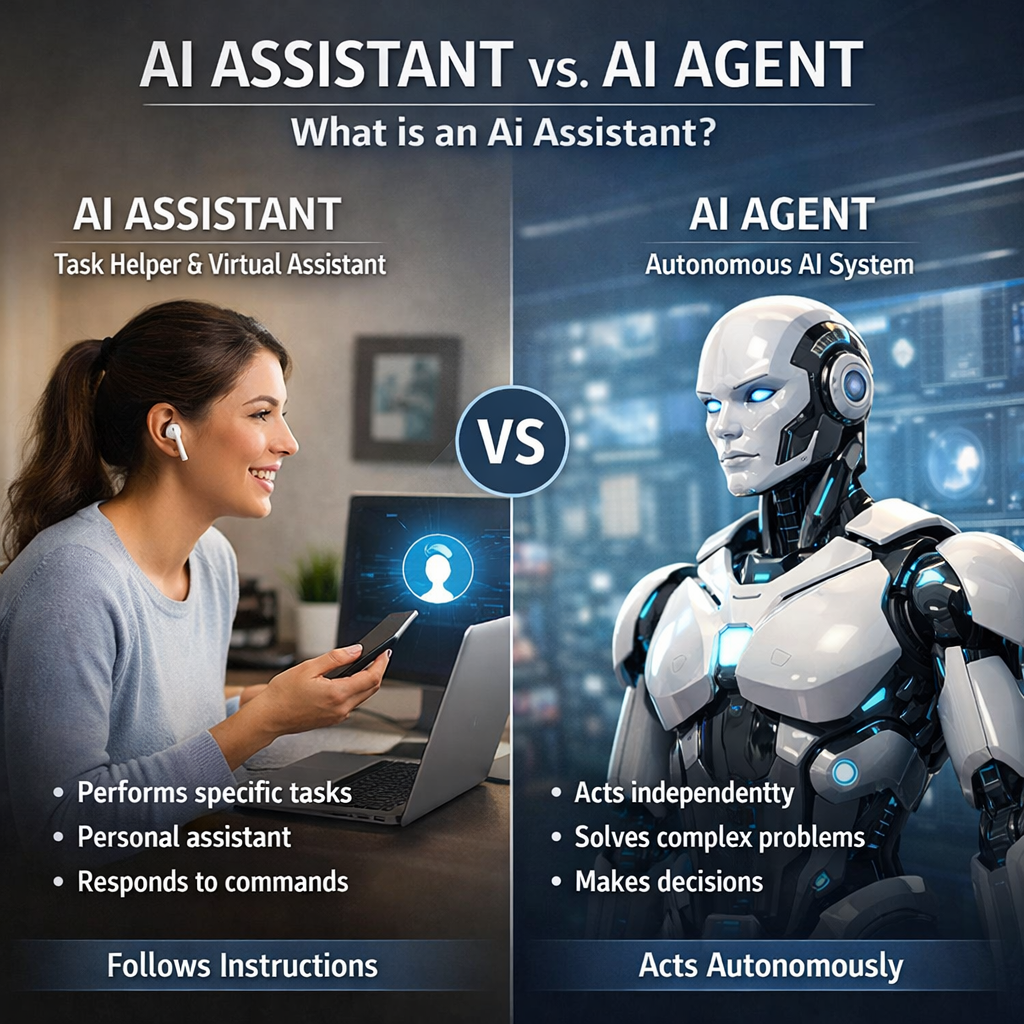
An AI assistant is software that talks to you in plain language and then does a single task. Think of it like a chat partner that can set a reminder, pull a weather report, or write a short email. The assistant reads your words, understands the intent, and replies with a helpful answer.
Most people meet AI assistants on their phones. Siri, Alexa, and Google Assistant are the classic names. They sit on a device, listen for a wake word, and then run a built‑in skill. The skill might be “add milk to my shopping list” or “play my favorite playlist”. The assistant never goes beyond the skill unless you ask it again.
Under the hood, an assistant uses natural language processing (NLP) and a large language model (LLM). The model predicts the best response based on the words you typed or said. Because the model is trained on huge text corpora, it can answer factual questions, suggest ideas, or draft short content.
Here are the core capabilities you’ll find in most AI assistants today:
- Text or voice input handling
- Intent detection , figuring out what you want
- One‑step action execution, like sending a reminder
- Access to a limited set of built‑in tools (calendar, music, smart home)
They excel at quick, on‑the‑fly help. If you need a fast answer or a single automation, an AI assistant is a solid pick.
But assistants have clear limits. They rarely reach beyond their own ecosystem. They can’t log into a CRM, pull data from a spreadsheet, or run a multi‑step workflow without you clicking a button.
According to Wikipedia, a virtual assistant is defined as a software agent that can perform tasks or services for an individual based on commands or questions. That definition matches what we see in everyday products.
When you compare the assistant model to a business need, ask yourself these questions:
- Do I need only one action per request?
- Is the data I need already inside the assistant’s built‑in apps?
- Am I comfortable with the assistant never remembering past requests?
If the answer is yes, an AI assistant will likely meet the need. If you need deeper integration or multi‑step logic, you’ll want to look at an AI agent.
Bottom line: An AI assistant answers you quickly, but it only handles one step at a time.
What Is an AI Agent?
An AI agent is a program that can set its own goals and act to meet them. Unlike an assistant, the agent doesn’t wait for a new prompt after each step. It can plan, reason, and call external tools all by itself.
Google describes agents as software that uses AI to pursue goals and complete tasks on behalf of users. The agent can read data, decide what to do next, and then run that action , all without a human clicking a button each time.
Agents are built on the same LLM tech as assistants, but they add three extra layers:
- Memory , they keep context across many interactions.
- Tool use , they can call APIs, write to databases, or control a web browser.
- Autonomous planning , they break a big goal into sub‑tasks and run them in order.
Because of those layers, agents can do things like: pull a sales report from a CRM, analyze the numbers, draft a summary email, and send it , all in one request.
Donely’s platform lets you host OpenClaw agents that have these exact abilities. You can spin up a dedicated agent in seconds, give it access to 800+ integrations, and let it run 24/7.
When you look at the research, every AI agent entry in the sample reported a “Yes” for automation. That tells us agents are the true automation workhorses.
Here’s a quick way to evaluate if you need an agent:
- Identify a repeatable business goal (e.g., weekly sales reporting).
- List the tools the goal touches (CRM, email, spreadsheet).
- Check if the steps can be broken into independent actions.
- If yes, an AI agent can own the whole loop.
Agents also need careful governance. They can read and write data, so you should set role‑based access (RBAC) and audit logs. Donely provides those controls out of the box.
For more technical depth, see Google Cloud’s AI agent guide. It explains the reasoning and tool‑use concepts in plain terms.
Agents shine when you have a goal that spans multiple systems. They can keep context, retry on failure, and even suggest better ways to reach the goal.
Bottom line: An AI agent acts like a tiny employee that can plan, act, and learn without you micromanaging each step.
Core Differences Between AI Assistants and AI Agents
When you put the two side by side, the gaps become clear. The table below highlights the main traits that set them apart.
Notice the automation gap? More than half of the assistants in the market lack true automation. That’s why many teams still rely on manual clicks after getting a response.
“The best time to start building bots was yesterday, but the best time to start building agents is now.”
Let’s walk through a concrete scenario. Imagine a sales leader wants a daily report of new leads, a summary email, and a Slack notification. With an assistant you would need three separate prompts: one for the CRM, one for the email draft, and one for the Slack send. With an agent you ask once: “Give me yesterday’s new‑lead report and share it.” The agent breaks the request, pulls data, writes the email, and posts to Slack , all automatically.
Another key point is integration breadth. Donely’s OpenClaw agents boast 800+ native integrations, while the median assistant in the sample only links to a handful of apps. More integrations mean fewer custom code pieces and faster rollout.
When you pick a tool, ask these questions:
- Does it keep context across calls?
- Can it call my CRM, email, and file storage?
- How many pre‑built integrations does it offer?
If the answer leans toward “yes”, you’re looking at an AI agent, not just an assistant.
Bottom line: AI agents provide autonomous, multi‑step power, while AI assistants stay reactive and single‑step.
Use Cases and Applications
Knowing the differences helps, but seeing them in action seals the deal. Below are real‑world ways businesses use each type.
Customer support. An assistant can answer common FAQs instantly. It reduces the first‑contact load but still hands off to a human for complex tickets. An agent can pull the ticket history, diagnose the problem, apply a fix, and close the ticket without any human touch.
Sales outreach. With an assistant you might generate a draft email and then copy‑paste it into your CRM. An agent can pull the prospect’s recent activity, write a personalized email, log the outreach, and set a follow‑up reminder , all in one go.
Marketing content. Assistants help you brainstorm ideas or rewrite a paragraph. Agents can research competitor blogs, extract key metrics, draft a full blog post, and push it to your CMS.
Gumloop’s research shows that agents that can read analytics data and act on it pay for themselves within weeks. The same report notes that assistants that only chat still require manual follow‑up.
Here’s a step‑by‑step example of an AI agent for SEO audits:
- Connect the agent to Google Docs, Semrush, and Firecrawl.
- Ask it to review a draft blog post.
- The agent pulls keyword rankings, suggests three new target keywords, and adds a revised title.
- It writes a short meta description and saves the updated doc.
The whole loop finishes in under two minutes, and the writer can publish immediately.
For a quick visual, watch this short video that walks through an agent handling a support ticket from start to finish.
Because agents can act, you also need guardrails. Donely gives you RBAC, audit logs, and a zero‑trust container per agent. That means you can let the agent run in production while keeping security tight.
When you decide which path to take, match the use case to the tool’s strength. Simple, repeatable tasks belong to assistants. Anything that spans multiple tools, needs memory, or must run on a schedule belongs to agents.
Bottom line: Choose assistants for single‑step help and agents for end‑to‑end automation.
Frequently Asked Questions
What is the main advantage of an AI agent over an AI assistant?
An AI agent can plan, remember, and act across several tools without you prompting each step. That makes it ideal for complex workflows like generating a report, sending emails, and updating a CRM in one go. An assistant would need a new request for each action.
Can I use an AI assistant for scheduling meetings?
Yes. Most assistants connect to calendar apps and can set a meeting when you ask. They won’t, however, follow up with reminders or adjust the meeting if a conflict appears unless you tell them to.
Do AI agents need special security?
Because agents read and write data, they need role‑based access control, audit logs, and a trust layer. Donely provides isolated containers, scoped permissions, and full logging so you stay in control.
How do AI assistants handle multi‑turn conversations?
Assistants usually treat each turn as a fresh request. They may keep a short session memory, but they forget after the chat ends. This limits their ability to build on prior context.
What kind of integrations do AI agents usually support?
Agents need read/write access to the tools they act on. The best platforms, like Donely, offer hundreds of native integrations , CRM, email, spreadsheets, analytics, and more , so you can build a single agent that talks to all of them.
Is it hard to build an AI agent?
It used to be. Today you can pick a template, add a few API keys, and set a goal. Donely lets you deploy an OpenClaw agent in under a minute, then you add the tools it needs. No servers, no Dockerfiles.
Will an AI assistant ever become as powerful as an AI agent?
Assistants are adding more automation, but the core design stays reactive. To get true autonomy you need the extra layers that agents provide , memory, tool use, and planning.
Conclusion
We’ve walked through what an AI assistant does, what an AI agent does, and why the gap matters. Assistants give quick, conversational help. Agents give you end‑to‑end automation that can run without a human at each step. For businesses that want to free up staff, cut manual work, and scale processes, agents are the clear win.
Donely makes agents easy to launch. You get instant access to 800+ integrations, per‑instance RBAC, and full audit logs. You can start with a simple support bot, then grow to a full AI workforce that handles sales, finance, and ops.
If you’re ready to move from chat‑only help to real autonomous work, sign up for a free trial today. Experience a live AI agent in seconds and see the productivity boost for yourself.