
You get OpenClaw running on a laptop, wire up a few tools, and the demo lands well. The hard part starts right after that. Who owns deployment? How do you isolate customer data? How do you give one agent its own permissions, logs, and runtime without turning the stack into a maintenance project?
Security is part of that decision, not a separate task for later. Publicly exposed self-hosted agent stacks have already shown what happens when teams treat production infrastructure like an experiment. OpenClaw also carries real operational weight. One industry roundup described a codebase large enough that many teams will spend more time understanding and operating it than shipping with it.
That is why a simple feature checklist is not enough. The better way to compare options is by operating model and core philosophy. Some OpenClaw alternatives are DIY frameworks for engineering teams that want control over orchestration, state, and deployment. Some are visual builders built for faster iteration and easier handoff. Others are managed platforms for teams that want agents in production without owning every layer of infrastructure.
If you are evaluating a production-ready OpenClaw alternative for managed AI agent deployment, that distinction matters early.
The recommendations in this guide follow that lens. Founders usually need speed and low ops burden. Agencies often need repeatable delivery across clients. Enterprise teams tend to care more about governance, identity, observability, and vendor boundaries than raw prototyping speed.
Table of Contents
- 1. Donely
- 2. LangGraph
- 3. AutoGen by Microsoft and Microsoft Agent Framework
- 4. CrewAI
- 5. LlamaIndex
- 6. OpenAI Assistants API
- 7. Google Vertex AI Agent Builder
- 8. Agents for Amazon Bedrock
- 9. Dify
- 10. FlowiseAI
- 11. Zapier AI Actions
- OpenClaw Alternatives: 11-Way Feature Comparison
- Choosing Your Path From Frameworks to Managed Platforms
1. Donely
Donely is the option I'd put in the managed-platform bucket. It isn't trying to be a lower-level replacement for frameworks like LangGraph or AutoGen. It's for teams that want OpenClaw-style agent capability without owning deployment, runtime isolation, billing sprawl, and admin overhead themselves.
The core value is operational. You can host, deploy, and manage unlimited AI employees from one dashboard, with separate instances for personal work, business functions, or client environments. If you've already realized that the hard part isn't the prompt but the ongoing management layer, Donely's OpenClaw deployment model is much closer to what production teams need.
Why teams choose it
Donely's feature set is opinionated in the right way:
- Unified control plane: Deploy and manage multiple agents from one dashboard instead of stitching together your own admin layer.
- Instance isolation: Separate workloads for clients, teams, or internal functions without juggling separate accounts.
- Built-in integrations: It connects to 850+ tools including Slack, HubSpot, Salesforce, Gmail, Jira, Zendesk, and more.
- Operational security: RBAC, isolated containers, and audit logs are included as platform features rather than left to your team to assemble.
Practical rule: If your team keeps saying “we just need one more week to harden the deployment,” you probably don't need another framework. You need a managed platform.
The trade-off is straightforward. You get less low-level control than a pure DIY stack, and you're buying a service instead of just code. But for founders, agencies, and ops teams, that's often the right trade.
Use Donely when the goal is shipping agents that people can govern.
2. LangGraph
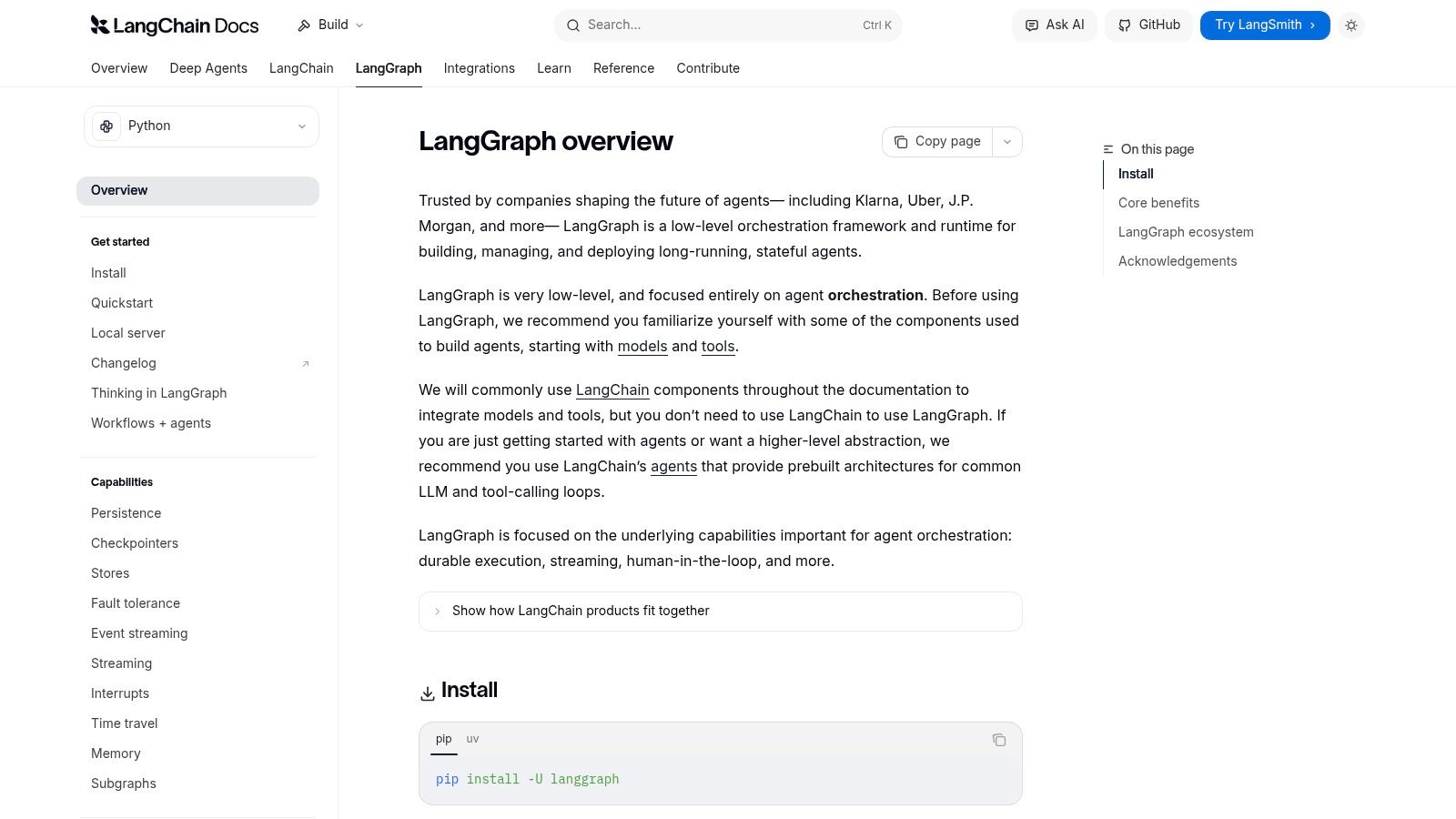
A common failure mode with agent projects is clear by week two. The demo looked good, then the agent started looping, skipping approvals, or calling the right tool at the wrong time. LangGraph exists for teams that want agent behavior to follow an explicit runtime model instead of hoping the prompt holds.
That makes it one of the stronger DIY framework options in this list. LangGraph is built for engineers who want to define state, transitions, retries, checkpoints, and human review paths in code. If OpenClaw felt too open-ended, LangGraph gives you tighter control without giving up the flexibility to compose complex workflows.
Where it fits best
I recommend LangGraph for systems where the workflow itself carries business risk. Sales qualification, support escalations, approval chains, incident response, and internal copilots all benefit from explicit state management.
Its practical strengths are specific:
- Stateful orchestration: You decide how work moves between steps, what context persists, and when execution should stop or retry.
- Better debugging: Failures are easier to trace when the workflow is modeled as a graph instead of a loose agent loop.
- Human-in-the-loop control: Approval gates, review steps, and exception handling are much easier to insert cleanly.
- Production visibility: LangSmith adds tracing and evaluation that matter once multiple engineers are maintaining the same system.
This is the framework choice for teams that want to build their own agent runtime, not just prompt an LLM and hope the edges hold. If your end goal is a governed layer of AI employees for repeatable business workflows, LangGraph can be a good foundation. You just need to accept that you are also signing up to own orchestration logic, testing discipline, and operational maintenance.
The trade-off is straightforward. LangGraph gives you control and debuggability, but it adds engineering overhead fast for simple use cases. For a single-agent assistant or a lightweight internal tool, it can feel heavier than necessary. For founders with small teams, that usually points toward a visual builder or managed platform. For agencies and enterprise teams with in-house engineering, LangGraph is a strong fit when reliability matters more than speed of setup.
3. AutoGen by Microsoft and Microsoft Agent Framework
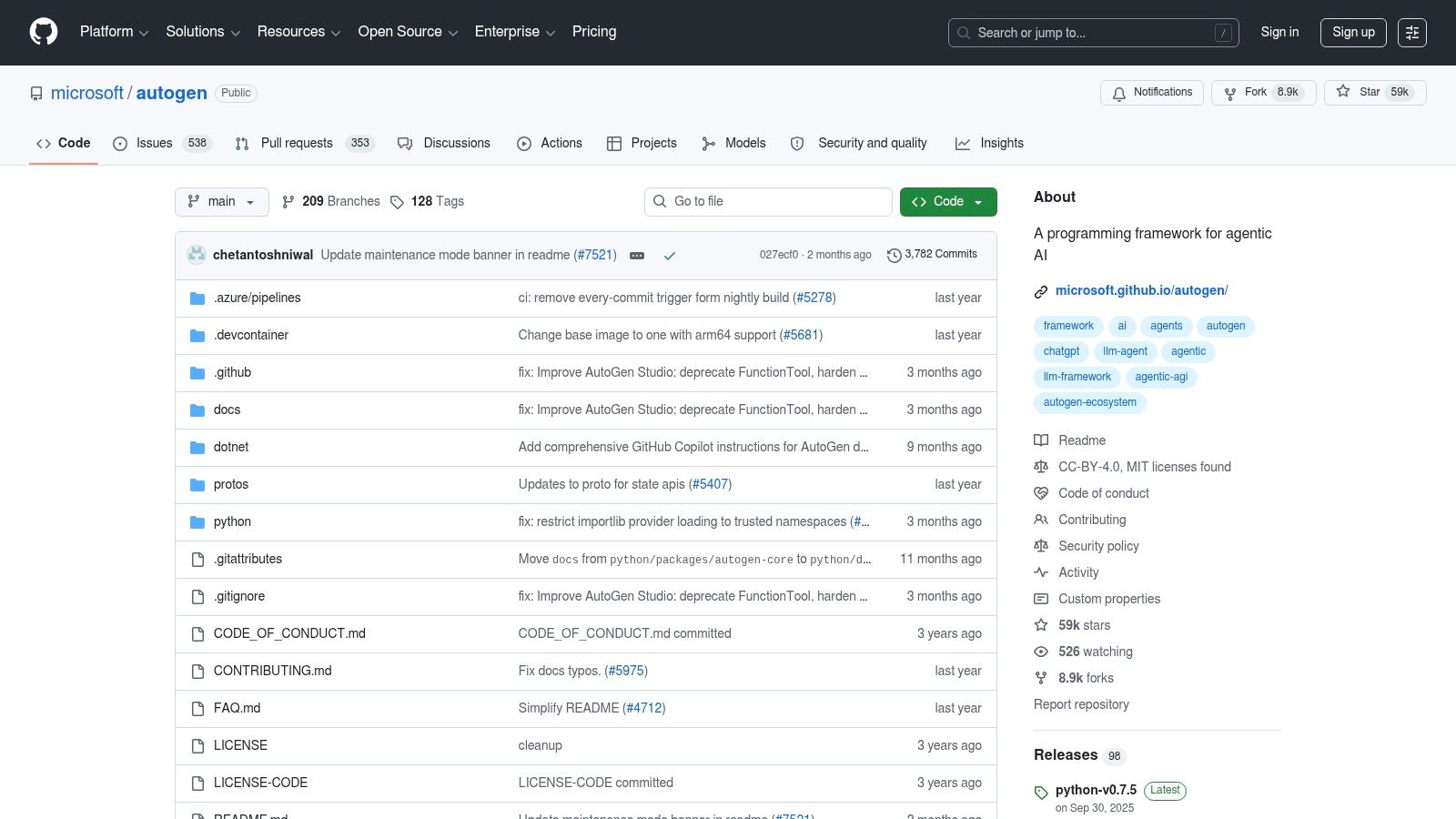
AutoGen became popular because it gave developers a concrete way to model multi-agent collaboration. Instead of one giant agent doing everything poorly, you could break work into specialized roles, wire up tools, and let the agents coordinate.
That pattern is still useful. Research agents, coding assistants, reviewer agents, and planner-executor pairs all map naturally to AutoGen-style designs. For experimentation, it's still a practical toolkit. For greenfield production work, though, you should evaluate Microsoft's newer Agent Framework rather than treat old AutoGen patterns as the final destination.
What to watch
The strongest reason to use this family of tools is conceptual clarity. Microsoft helped normalize the idea that agent systems can be collaborative rather than monolithic. That's still valuable when you're testing orchestration patterns across providers and tool chains.
What doesn't work as well is pretending the prototype architecture is the production architecture. Multi-agent systems create coordination overhead fast. Debugging “why these three agents disagreed” is much harder than debugging a single explicit workflow.
Multi-agent setups are useful when roles are genuinely distinct. They're wasteful when you split one straightforward task into five agents because the architecture looks impressive.
If your team wants to explore agent teamwork, AutoGen is still a good learning ground. If your team needs reliability, support, and clearer enterprise footing, follow Microsoft's current path rather than anchoring to older patterns.
4. CrewAI
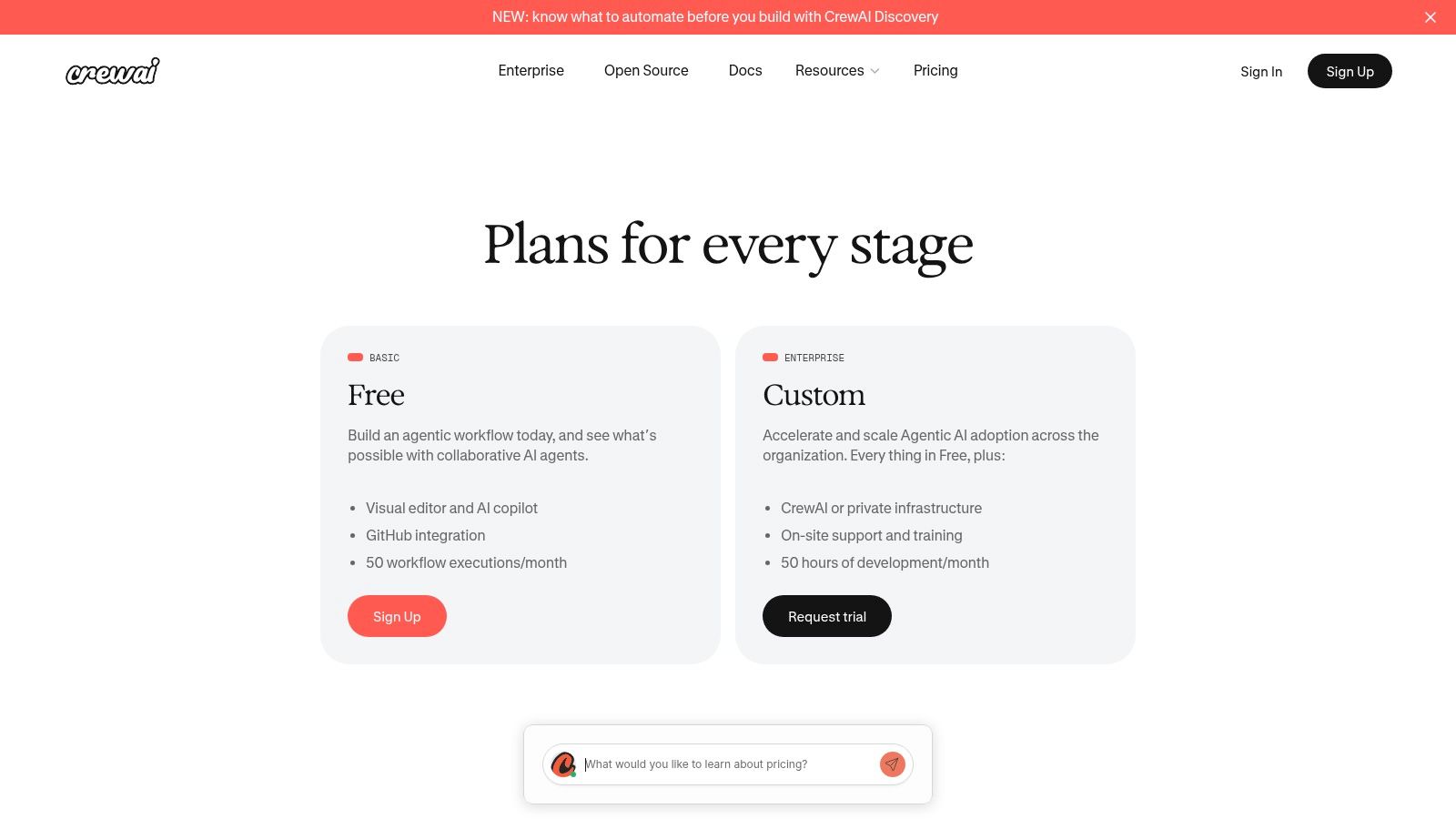
CrewAI sits in a useful middle ground. It isn't as low-level as a framework-first stack, but it also isn't a fully abstracted managed service. The visual studio makes it much faster to prototype collaborative agents, especially for teams that want product managers, operators, or solution architects involved before a full engineering implementation exists.
That's why I see it as one of the more practical OpenClaw alternatives for agencies and internal automation teams. You can move quickly in the builder, then export and deploy in a more controlled way once the workflow proves itself. If you're trying to build something closer to a team of AI employees than a single chatbot, CrewAI's design language makes sense.
Best use case
CrewAI is strongest when you need a GUI-first path with enterprise hooks:
- Visual design: Good for mapping multi-agent collaboration before writing a lot of code.
- Governance features: Human-in-the-loop, guardrails, OpenTelemetry, RBAC, and private infrastructure options all matter in real deployments.
- Exportability: You're not trapped in a toy builder once the workflow gets serious.
There's a practical caution, though. Studio-driven tools can create a false sense of completeness. The prototype often looks more finished than it is. Real deployment still means integration testing, permission design, failure handling, and business-owner review.
CrewAI is a good fit when you want a visual builder with a real path to governed deployment, not just a pretty demo surface.
5. LlamaIndex
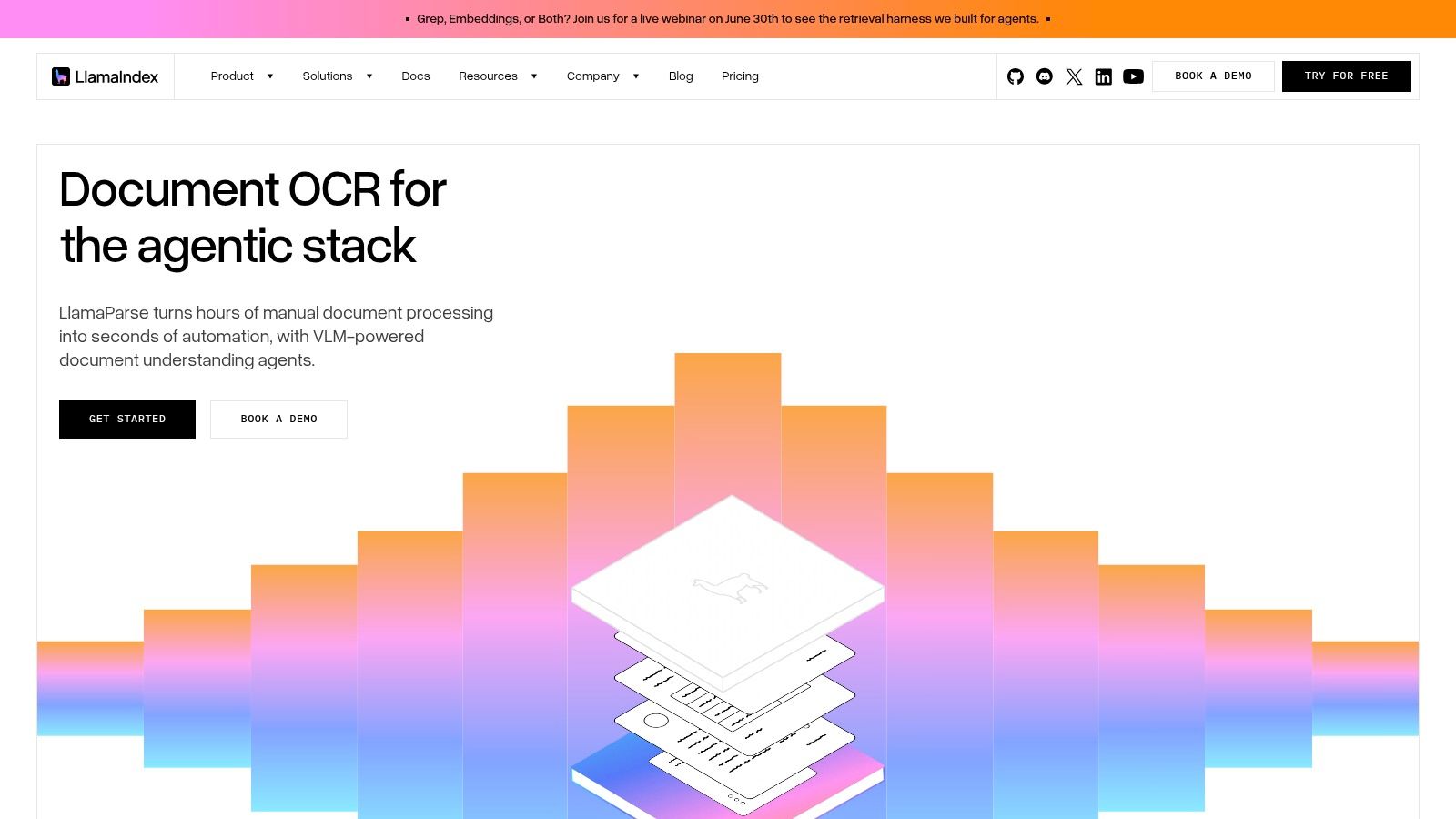
LlamaIndex is the tool I reach for when the hard problem is knowledge, not orchestration. If your agent needs to reason over documents, tickets, product docs, CRM notes, or cloud files, retrieval quality becomes the whole game. In those cases, LlamaIndex is often a better direction than trying to stretch a generic agent framework into a knowledge system.
Its strength is grounding. You can build agents that work against structured and unstructured data, connect to vector databases and storage systems, and keep the system anchored in enterprise content. That matters in support, sales enablement, onboarding, and internal search-heavy workflows.
Where it delivers
LlamaIndex tends to shine in environments where the data layer determines answer quality:
- Document-centric workflows: Support assistants and internal copilots benefit from retrieval-first design.
- Connector-heavy stacks: It works well when your data is spread across apps and storage systems.
- Knowledge grounding: Better than generic agent loops that only occasionally retrieve context.
There's also a market reason this category matters. One 2026 comparison noted that OpenClaw alternatives are fragmenting across deployment models and infrastructure philosophies, including lightweight frameworks, hosted agents, and security-aware stacks, rather than converging on one “best overall” answer, as discussed in Vellum's market review of the category. LlamaIndex fits the retrieval-first branch of that split.
If your agent is only as good as the corpus behind it, LlamaIndex is often the more honest starting point.
For teams that also need broad app connectivity, it pairs naturally with platforms built around business integrations.
6. OpenAI Assistants API
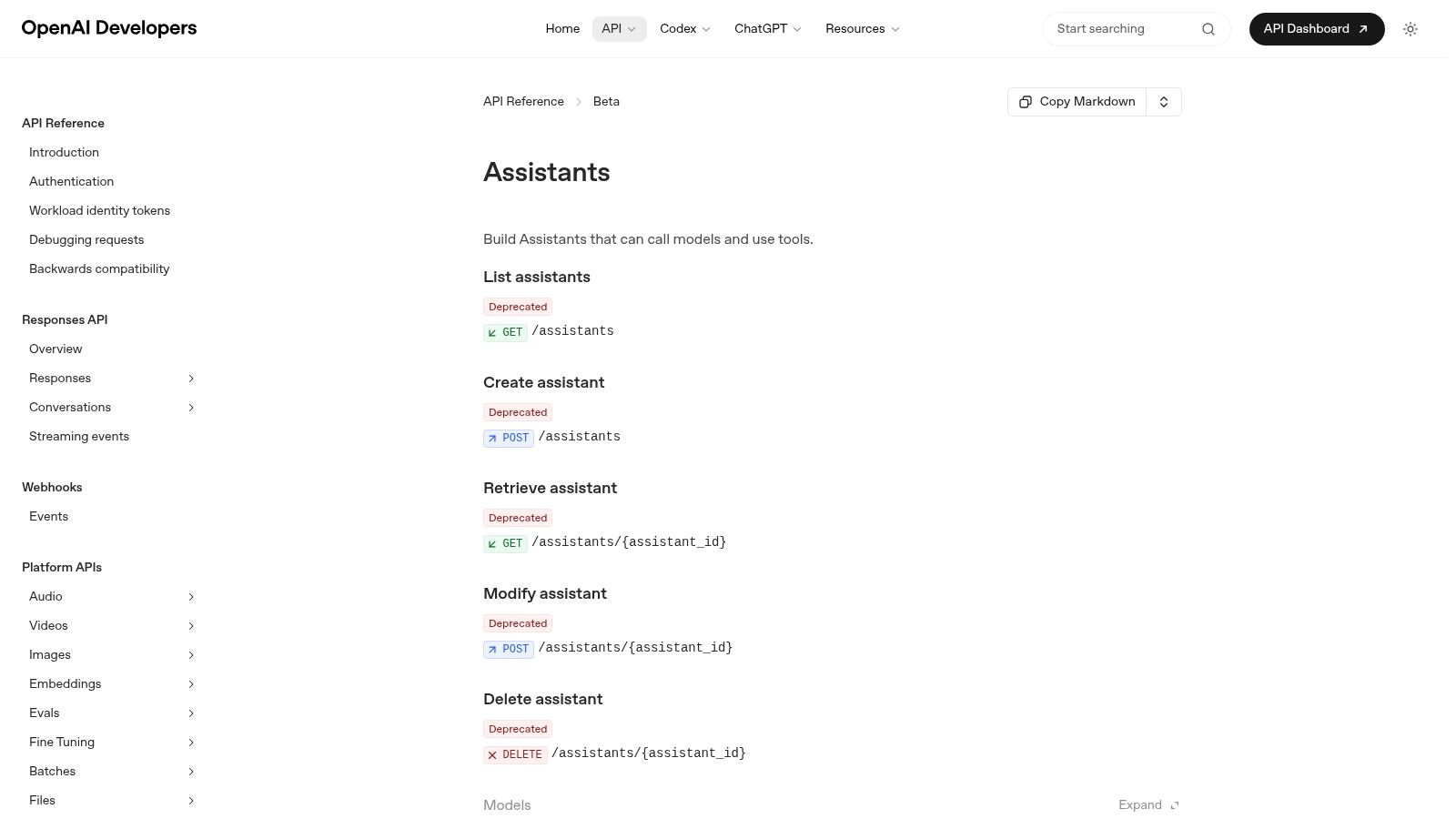
The OpenAI Assistants API is for teams that want a lot of agent plumbing handled for them. Threads, persistent state, built-in tools, code execution, retrieval, and function calling remove a big chunk of glue code that engineering teams otherwise end up maintaining themselves.
That convenience is real. So is the lock-in. If you're happy with a first-party stack and your product roadmap aligns with OpenAI's tool model, it's a productive choice. If you need portability across vendors or highly custom runtime behavior, it can feel constraining fast.
Good fit for
This API tends to work well for teams that want to move fast on common agent capabilities:
- Built-in sandboxes and tools: Useful for code execution and document handling without rolling your own environment.
- State management: Threads and persistent context reduce infrastructure work.
- Developer velocity: Strong SDKs and fewer moving parts for standard use cases.
A lot of buyers miss key decision criteria here. One 2026 review argued that safety, cost, and ease of use are the three filters that matter most for OpenClaw alternatives, and it pointed out that secure hosted options can start around a $50 per month minimum. That's a useful framing for Assistants too. Don't evaluate it just on capability. Evaluate what it saves you operationally, and what it costs you in flexibility.
It's a strong option for product teams that value speed over infrastructure independence.
7. Google Vertex AI Agent Builder
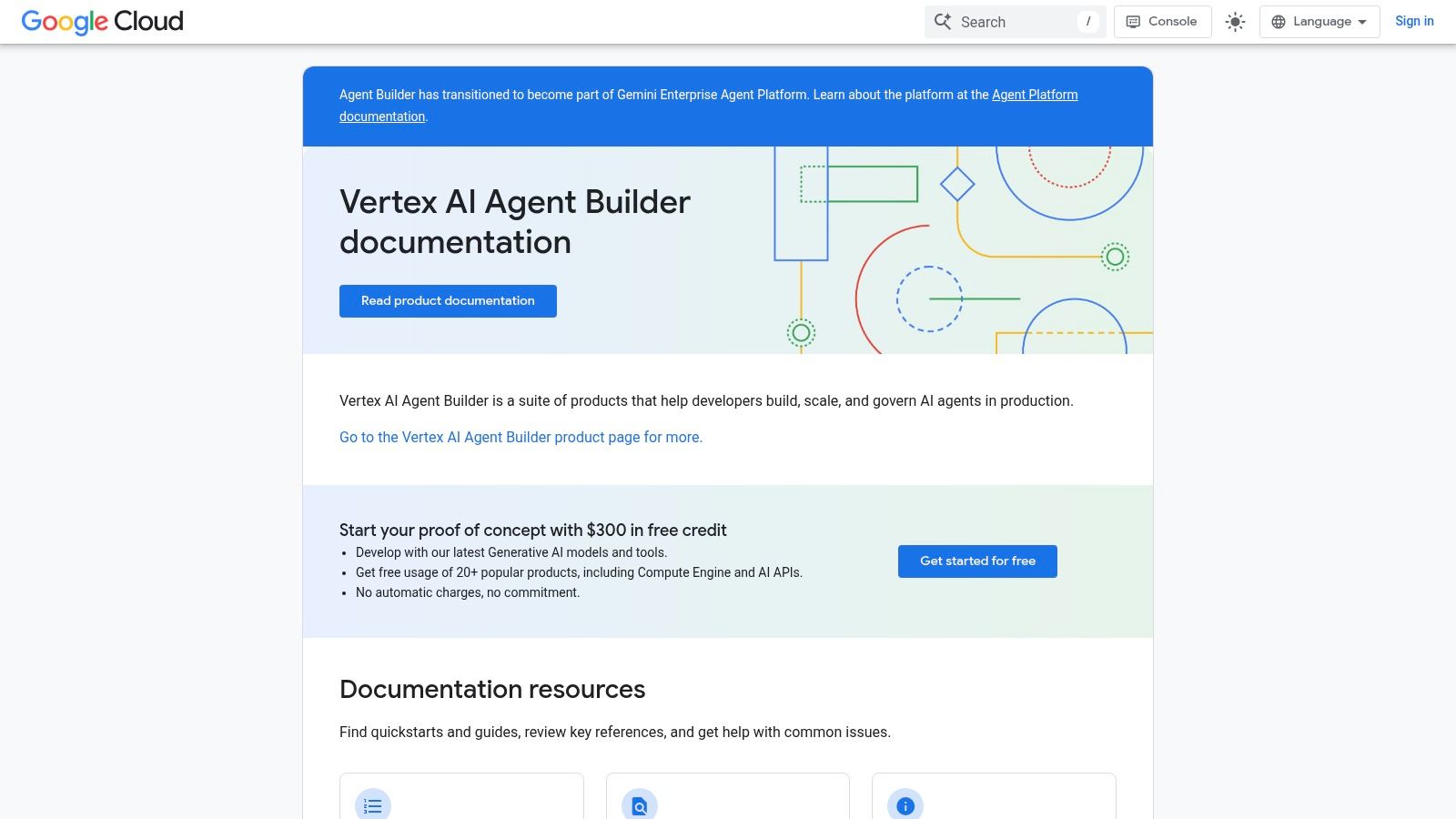
A common enterprise scenario looks like this. The ML team wants to ship an agent. Security wants audit trails, IAM alignment, and data controls. Platform engineering wants something they can operate without creating a parallel stack. Vertex AI Agent Builder fits that environment better than it fits a blank-slate startup.
Its core appeal is operational fit inside Google Cloud. If your team already uses GCP for data pipelines, identity, logging, and model deployment, Vertex can reduce the amount of platform glue you need to justify and maintain. That matters in larger organizations, where procurement and governance often decide the winner before feature depth does.
Where Vertex stands out
Vertex belongs in the managed cloud platform camp, not the DIY framework camp. That changes the buying decision.
- GCP-native operations: Better fit for teams already using Google Cloud IAM, logging, and policy controls.
- Enterprise rollout support: Stronger choice when the job is controlled deployment, evaluation, and internal review rather than rapid experimentation by a small product team.
- Data and model adjacency: Useful when your agent needs to sit close to other Google Cloud services instead of spanning multiple vendors from day one.
The trade-off is flexibility. Teams that want fine-grained runtime control, highly custom orchestration patterns, or broad cross-cloud portability may find Vertex constraining faster than framework-first options like LangGraph or LlamaIndex. That is the standard managed-platform bargain. You get a cleaner path to governed deployment, and you give up some freedom to shape every layer yourself.
For enterprise teams on GCP, that is often the right bargain. For founders and agencies, it usually is not. If speed, low platform overhead, and cloud governance matter more than portability, Vertex AI Agent Builder is a practical choice.
8. Agents for Amazon Bedrock
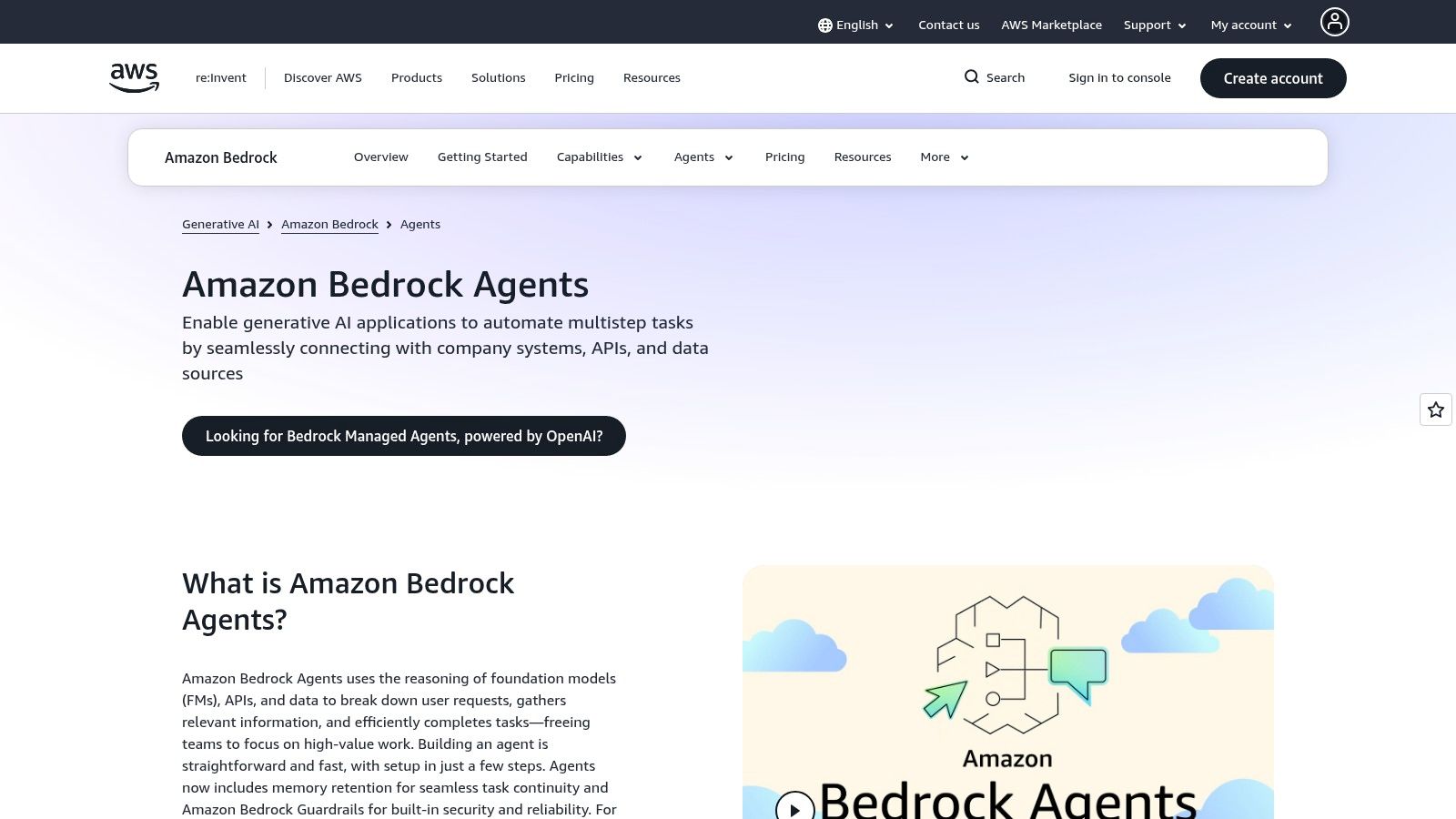
Agents for Amazon Bedrock follows the same logic as Vertex, but for AWS-first organizations. If your identity, networking, logging, and security posture are already firmly tied to AWS, Bedrock gives you a path to agent deployment that fits your current operational muscle memory.
That usually matters more than developers expect. The cleanest architecture on paper often loses to the service that your IAM model, VPC patterns, and audit processes already support.
When it makes sense
Bedrock is strongest in organizations that want agent features without leaving AWS conventions:
- Native security alignment: IAM, VPC, CloudWatch, and guardrail patterns are familiar.
- Production path: Easier handoff from prototype to reviewed enterprise deployment.
- Multi-step task orchestration: Better suited to internal systems than consumer-facing assistant experiments.
The main caution is cost visibility. AWS-native builds are powerful, but they spread cost across multiple services quickly. Teams that don't model usage early often discover the bill shape after adoption instead of before it.
Choose Bedrock if you're already an AWS shop and want agents to behave like another governed AWS workload, not a sidecar experiment.
9. Dify
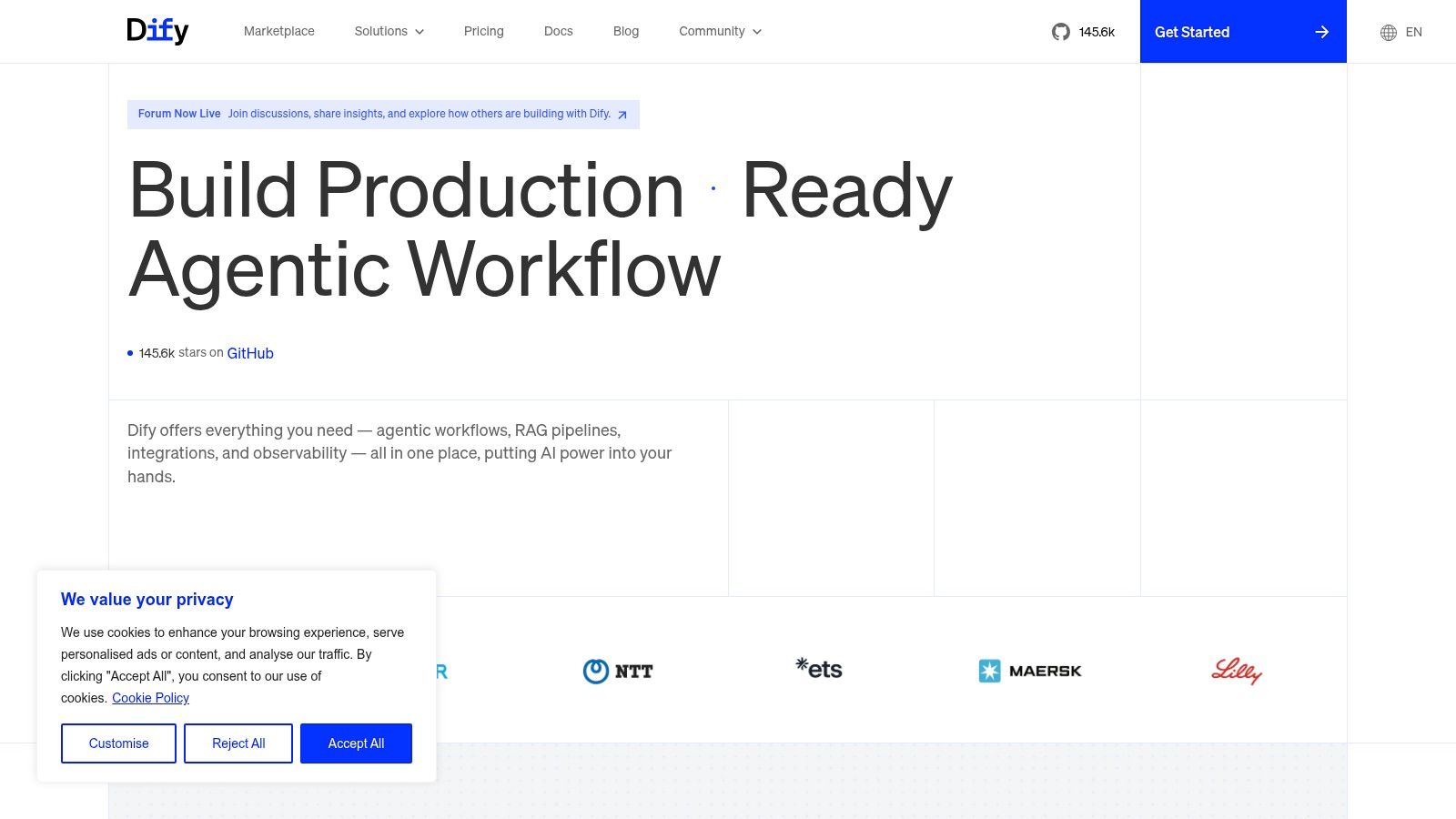
A common team situation looks like this. Product wants a working AI app soon, engineering does not want to hand over everything to a black-box SaaS, and nobody wants to spend the next month building basic tooling around prompts, retrieval, and evaluation. Dify fits that gap well.
Its philosophy is different from framework-first tools like LangGraph or LlamaIndex. Dify gives teams an application layer with a visual builder, knowledge base management, prompt iteration, and deployment options in one place. That makes it less of a pure orchestration framework and more of a practical middle tier for shipping usable agent products.
Where Dify fits best
Dify is a strong choice for teams that need more structure than a prototype tool, but do not want the overhead of building an internal agent platform from scratch:
- Visual app building: Useful for product teams and agencies that need to test flows quickly without turning every change into an engineering ticket.
- Prompt and knowledge management: Better suited to retrieval-heavy apps than bare workflow tools because content, prompts, and app logic live closer together.
- Self-hosted or hosted deployment: Founders can start fast in the managed version. Security-conscious teams can keep more control by running it themselves.
The trade-off is clear. Dify gives speed by standardizing how apps are built, which also means less low-level control than a code-first stack. If the roadmap includes custom orchestration logic, unusual state handling, or deep integration into internal systems, teams may outgrow the visual layer and move parts of the stack into code.
That is why I usually place Dify in the visual builder category, not the DIY framework or managed cloud platform bucket. For startups, it shortens the path from idea to usable product. For agencies, it helps deliver client-facing AI workflows without rebuilding the same scaffolding each time. For enterprise teams, it can work as a controlled app layer, but only if the governance and integration requirements stay within what the platform supports.
Choose Dify when the goal is to ship an AI application with reasonable control and a shorter build cycle, not to engineer a fully custom agent runtime.
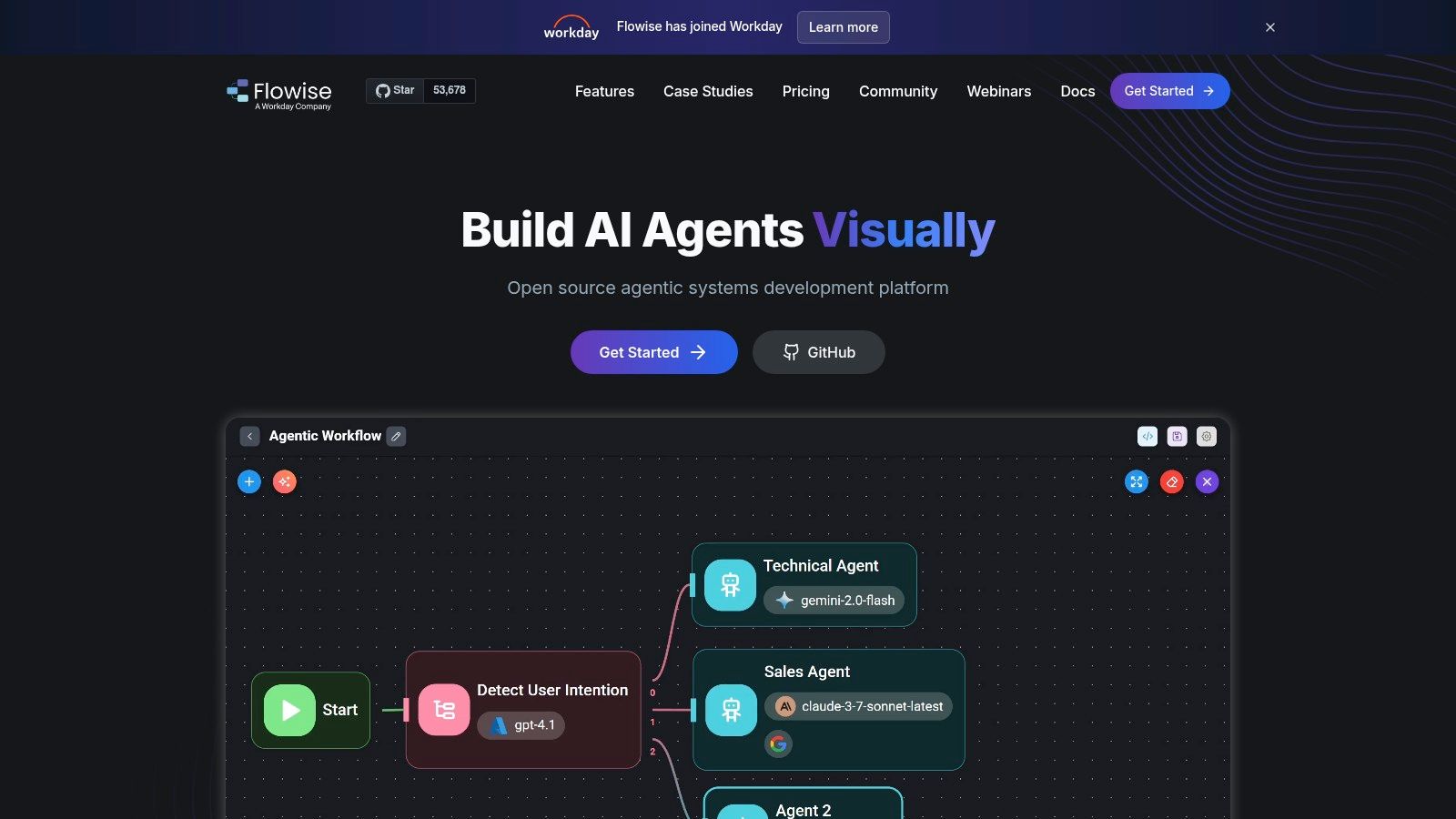
10. FlowiseAI
FlowiseAI is what I'd recommend when someone says, “I need to test this workflow by tomorrow.” Its node-based interface makes it easy to connect models, tools, memory, and vector stores without building everything from scratch. For proof-of-concepts and internal utilities, that speed matters.
It's also easy to self-host, which keeps it attractive for teams that want lightweight control without investing in a full platform. That's why Flowise shows up often in early-stage stacks.
Where it breaks down
Flowise is best when the goal is learning fast, not governing a large deployment:
- Fast prototyping: Great for internal tools, demos, and first-pass agent workflows.
- Community ecosystem: Plenty of examples and community nodes help shorten setup time.
- Simple hosting story: Easier to get running than heavier orchestration stacks.
The limitation is maturity at scale. Governance, long-running reliability, and enterprise controls are more basic than in platforms built for regulated use. Once the workflow becomes business-critical, many teams end up rebuilding parts of it in code or moving to a more structured stack.
Use Flowise to discover whether a workflow deserves investment. Don't assume the prototype surface is the final operating environment.
For founders and solo builders, though, it remains one of the quickest ways to turn an idea into a working agent experience.
11. Zapier AI Actions
Zapier AI Actions isn't a full OpenClaw replacement by itself. It plays a different role. It gives your agent a broad action layer across SaaS apps, which is often the difference between an assistant that talks and an assistant that does work.
That matters because many agent projects fail at the connector layer. Teams spend weeks building app integrations that already exist elsewhere. Zapier shortens that path considerably if your use case lives in business software.
The practical role it plays
I'd use Zapier AI Actions when your main requirement is tool reach:
- Large integration surface: Helpful for CRM updates, ticket actions, scheduling, and operational tasks.
- Embeddable action layer: Works inside your own product or alongside another agent stack.
- Auditable business actions: Better than hand-rolling connectors for every app in the workflow.
The caution is permissions. The broader the action surface, the more careful you need to be about auth scoping and approval design. An agent that can do everything usually has more access than it should.
Zapier AI Actions is best treated as an execution layer paired with another framework or platform, not as the entire architecture.
OpenClaw Alternatives: 11-Way Feature Comparison
| Product | Core features | UX & Security (Quality) | Pricing & Value | Target (Use case) | Unique selling points |
|---|---|---|---|---|---|
| 🏆 Donely | Unified dashboard; unlimited agents; 850+ integrations; multi-instance | ★★★★★, RBAC, isolated containers, audit logs | 💰 Free forever; Personal $25/mo per instance; Team & Enterprise (SSO, SLA, volume discounts) | 👥 Individuals → Agencies → Enterprises; teams skipping DevOps | ✨ Click-to-deploy agents; per-instance isolation; centralized monitoring & billing |
| LangGraph (by LangChain) | Graph-based, stateful agent workflows; tool calling & memory | ★★★★☆, strong observability (LangSmith) | 💰 OSS + managed cloud (usage/pricing varies) | 👥 Dev teams needing deterministic, testable flows | ✨ Finite-state control; LangSmith integration for eval & tracing |
| AutoGen / Microsoft Agent Framework | Multi-agent patterns, tools, memory; prototyping studio | ★★★☆☆, mature examples; maintenance mode for AutoGen | 💰 Open-source; enterprise successor for production | 👥 Researchers & engineers experimenting with multi-agent teams | ✨ Rich academic patterns; strong legacy community |
| CrewAI | Visual studio for collaborative "crews"; enterprise connectors | ★★★★☆, observability, guardrails, private infra | 💰 Free limited tier; paid for production & enterprise features | 👥 Teams wanting GUI-first prototyping → enterprise deployments | ✨ Visual editor + templates; exportable server/UI components |
| LlamaIndex | RAG-focused tooling; agent abstractions; vector DB connectors | ★★★★☆, ideal for knowledge-heavy workflows | 💰 OSS + hosted options; value tied to data pipeline quality | 👥 Knowledge teams (support, sales, ops) | ✨ Extensive data connectors; strong RAG patterns |
| OpenAI Assistants API | Stateful assistants, tool APIs, containers, file search | ★★★★☆, first-party tooling & SDKs | 💰 Usage-based pricing; reduces glue code but model costs apply | 👥 Teams wanting first-party model features & sandboxes | ✨ Built-in tools (code exec, file search); persistent threads |
| Google Vertex AI Agent Builder | Agent design on Vertex (Gemini); GCP integrations | ★★★★☆, enterprise gov, logging, evals | 💰 Metered GCP costs across services | 👥 Organizations standardized on GCP | ✨ Tight GCP security/observability & enterprise governance |
| Agents for Amazon Bedrock | AWS-native agents, IAM/VPC, guardrails, logging | ★★★★☆, strong AWS security & ops | 💰 Usage across Bedrock + AWS services; metered billing | 👥 AWS-first enterprises | ✨ Native AWS integrations & reference architectures |
| Dify | Visual builder, dataset & eval tooling; self-host or hosted | ★★★☆☆, quick prototyping; evolving enterprise features | 💰 Open-source + hosted tiers (check current pricing) | 👥 Teams wanting OSS flexibility with hosted option | ✨ Visual RAG pipelines + dataset/version control |
| FlowiseAI | Node-based visual LLM/agent builder; community nodes | ★★★☆☆, fast prototyping; basic governance | 💰 Free / self-host friendly; optional cloud | 👥 Rapid PoC builders and internal toolers | ✨ Drag-and-drop nodes; easy self-host & community plugins |
| Zapier AI Actions | Natural Language Actions API across thousands of apps | ★★★★☆, enables auditable real work across SaaS | 💰 Usage-based via Zapier; saves connector development | 👥 Product teams & agents needing real SaaS actions | ✨ Massive integration surface without custom connectors |
Choosing Your Path From Frameworks to Managed Platforms
A founder needs an agent live next week. An agency needs separate client environments and clean billing. An enterprise team needs IAM, audit trails, and approval from security before anything reaches production. Those teams should not buy from the same category, even if the demo looks similar.
That is the useful way to evaluate OpenClaw alternatives. Start with the operating model, then pick the product. In practice, these tools fall into three buckets: DIY frameworks for teams that want control, visual builders for teams optimizing for speed, and managed cloud platforms for teams that care more about deployment, governance, and support than custom orchestration.
How to Choose the Right Alternative
Founders usually need proof before perfection. If the goal is to validate a workflow, visual builders like FlowiseAI and Dify shorten the path from idea to working demo. They let a small team test prompts, tools, and basic routing without building every layer from scratch. The trade-off is predictable. You move faster early, but complex state, testing, and production controls can get awkward as the system grows.
Agencies should optimize for client isolation first. Multi-client work creates operational problems that do not show up in a single-team prototype: separate data boundaries, permission controls, deployment repeatability, and billing clarity. That pushes many agencies away from pure frameworks unless they already have engineering capacity to own the stack. A managed platform, or a tightly controlled self-hosted visual layer, is usually the safer fit.
For product teams with some engineering support, frameworks still make sense. LangGraph is a good example when the team wants explicit orchestration, traceable state transitions, and the ability to debug agent behavior step by step. That control is valuable, but it comes with real ownership costs. Someone has to maintain workflows, observability, retries, permissions, and deployment hygiene. OpenAI Assistants API sits higher in the stack. It gives teams common agent primitives with less wiring, but also less freedom in how the system is shaped.
Enterprise selection is usually narrower than it looks. Existing cloud commitments decide a lot. Vertex AI Agent Builder fits teams already operating inside GCP. Agents for Amazon Bedrock fits organizations standardized on AWS. The benefit is not just model access. It is policy alignment, logging, identity controls, and procurement that already match the rest of the environment.
Final Recommendation
Use a framework if your team wants to own agent behavior as a software system. That means orchestration logic, testing, tracing, runtime controls, and deployment are all part of the job. LangGraph is often the clearest fit for that path.
Use a visual builder if speed matters more than long-term architecture. Dify and FlowiseAI are practical choices for prototypes, internal tools, and early customer workflows. They can carry a team surprisingly far, but teams should expect some rebuilding if the product grows into a heavily governed production system.
Use a managed platform if the main requirement is reliable delivery with less infrastructure work. That includes founders who need fast rollout, agencies that need account separation, and operations teams that care more about uptime and control than custom orchestration patterns. Donely fits that category. It gives teams a managed way to host, deploy, and manage isolated AI employees from one dashboard.
The deciding question is simple: what does your team want to own?
Teams that give a frank answer make better choices. The common failure mode is not weak model performance. It is adopting a tool that assumes more infrastructure capacity, security ownership, or workflow engineering than the team can support.